Paper Drawers
7-11
7
Routine Maintenance
Loading Tab Paper
Tab paper can be loaded in the paper drawer. Follow the procedure described below to adjust
the paper drawer to hold tab paper.
IMPORTANT
Tab paper is available in A4 size only. Tab paper cannot be loaded horizontally.
NOTE
•
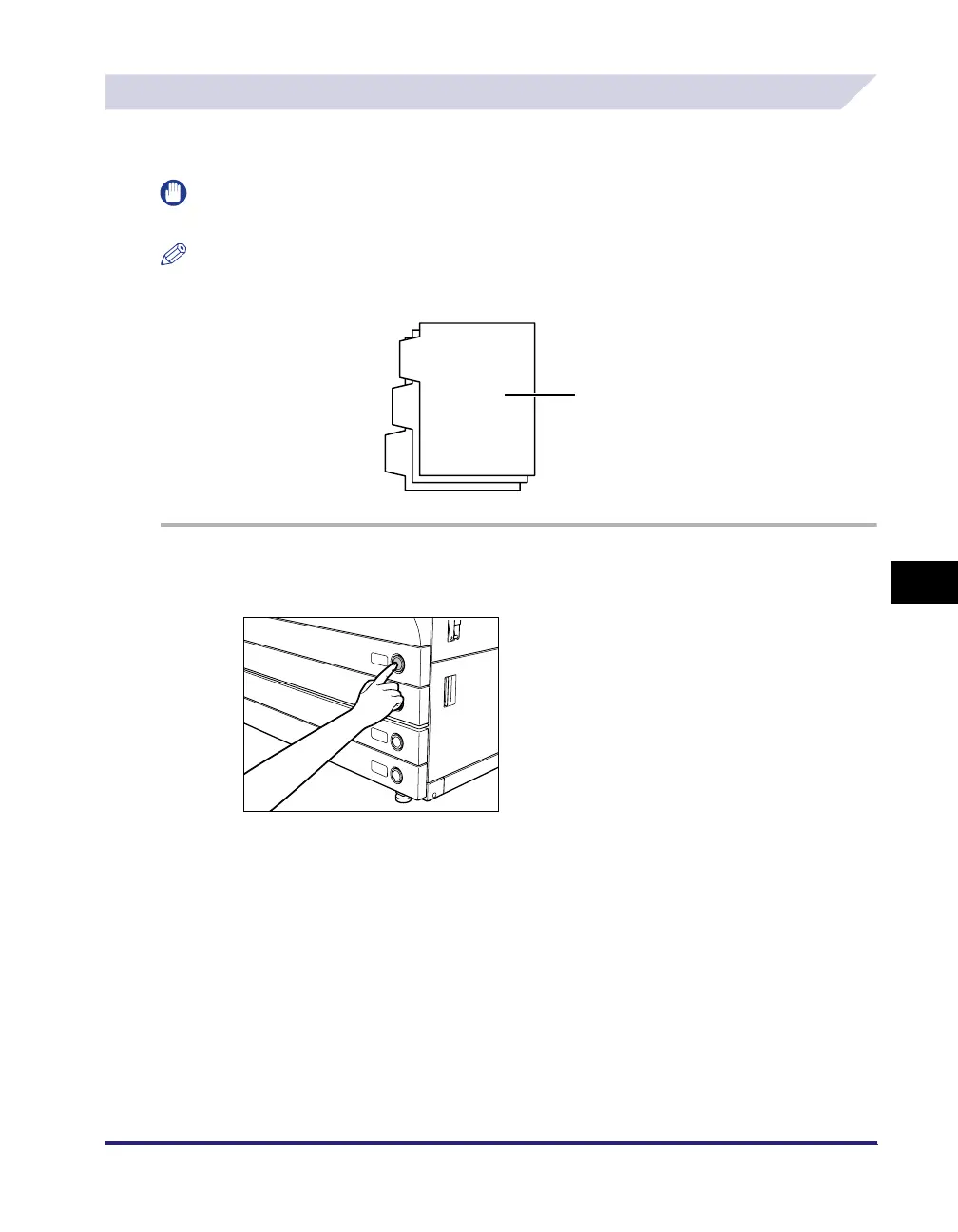
When tab paper is loaded into the paper drawer, the side facing down is the one printed on.
•
Load the tab paper as shown in the illustration below.
1
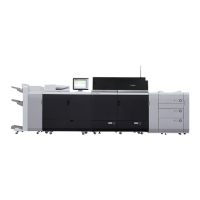
Press and release the button on the paper drawer in which you want to
load tab paper.
Load Face Down.




 To Next Page