46
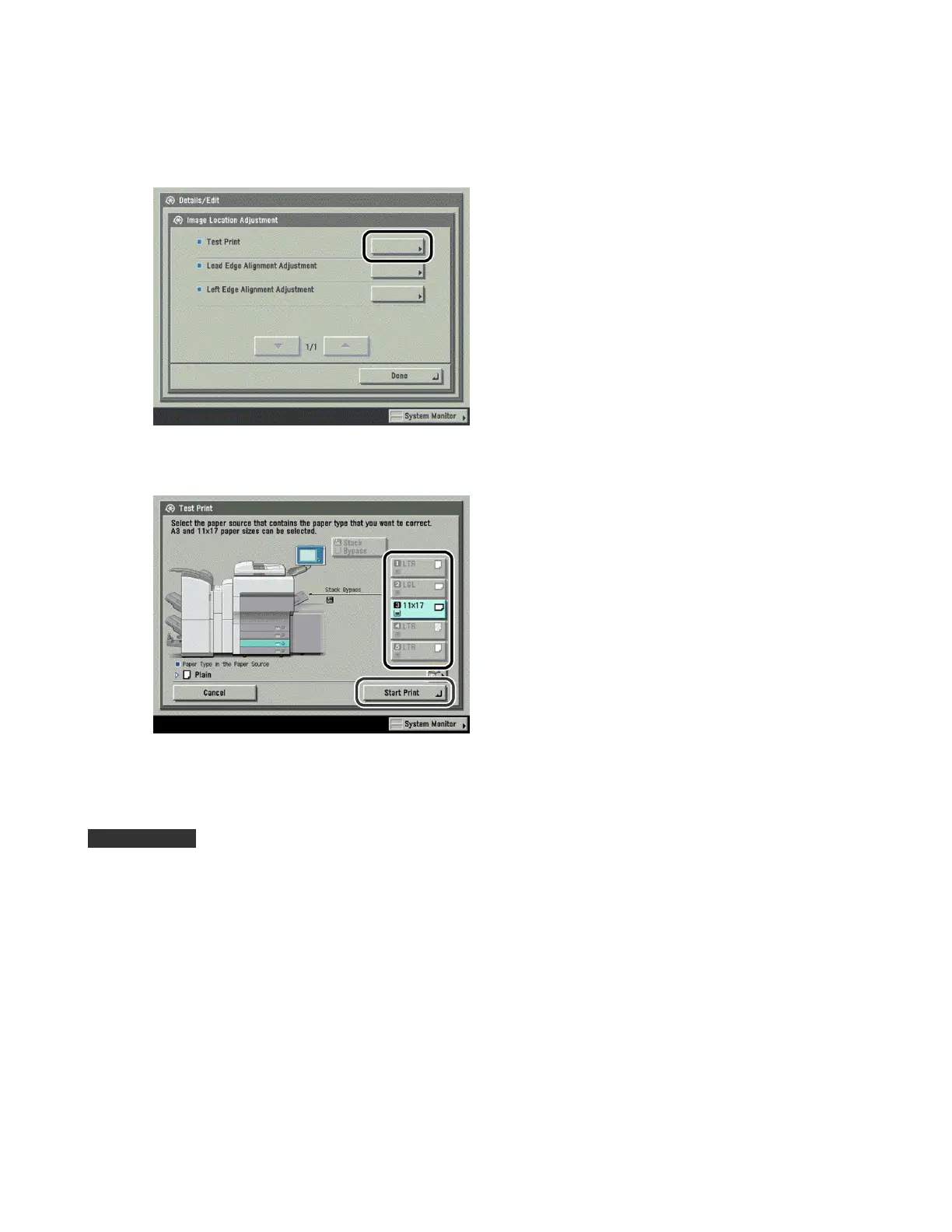
4 Press [Test Print].
5 Select the paper source → press [Start Print].
The test print paper is printed.
IMPORTANT
· Only 11" x 17" or A3 paper can be used for the test prints. Make sure that a sufficient supply of paper is loaded
into the machine before starting this procedure.
· If you perform test print using a paper smaller than 11"×17" or A3, the entire image cannot be printed on the
paper. Nevertheless, you can read the register mark, because the right edge you do not have to check is
lacking.












 To Next Page