47
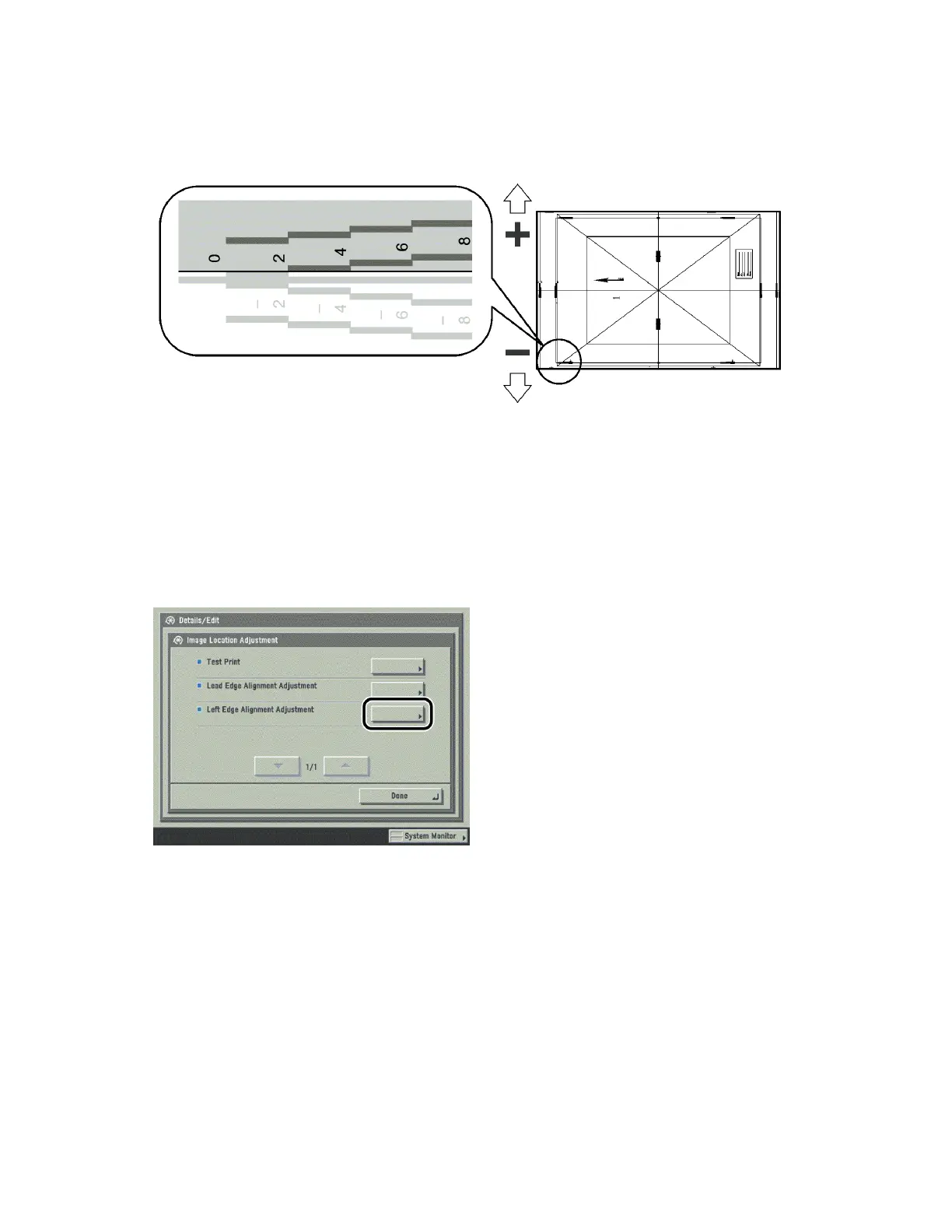
6 Check the location of the left edge image on the front side of the test print.
In the above example, the center line of the register mark is outside the left edge of the test print (center
line of the register mark is NOT printed). Follow step 7 and 8 to adjust the left edge of the image on the
front side of the test print.
7 Press [Left Edge Alignment Adjustment].












 To Next Page