37
Replacing the Printhead
Prepare a new Ink Tank when ink levels are low.•
When replacing the Printhead immediately after printing, wait a few minutes before replacing it. The metal parts of
the Printhead become hot during printing, and there is a risk of burns from touching these parts.
•
Your hands may become dirty during Printhead replacement. Use the gloves provided with the new Printhead for
replacement.
•
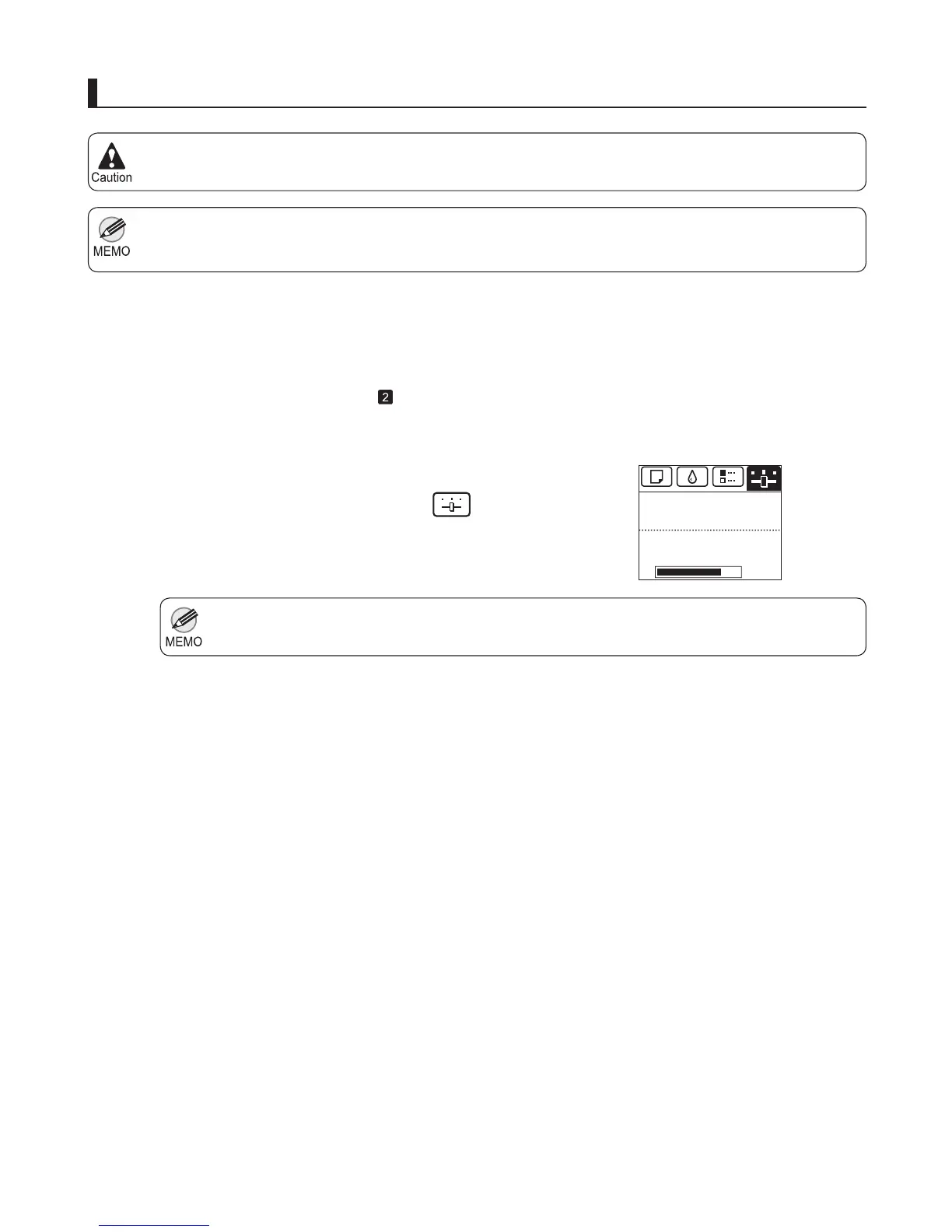
If the Tab Selection screen is not displayed, press the Menu button.•
1
2
3
4
5
6
7
If the roll is not ejected because of the cutting method
selected, cut it manually and remove it.
(→"Cutting Roll Paper After Printing," User Manual)
Clean inside the Top Cover . (→
, If Paper is Soiled)
Access the menu for printhead replacement
On the Tab Selection screen of the Control Panel , press
◄ or ► to select the Settings/Adj. tab (
).
Press the OK button.
Press ▲ or ▼ to select Maintenance , and then press the
OK button.
Press ▲ or ▼ to select Replace P.head , and then press
the OK button.
The Set./Adj. Menu is displayed.
Press ▲ or ▼ to select the Printhead for replacement.
Select Printhead L when replacing the left printhead,
Printhead R when replacing the right printhead, and L
& R Printheads when replacing both. Make sure your
selection is correct.
㪏㪇㩼
Remaining Amount
Maint. cart.
Ready
OK:Setting/Adj. Menu













 To Next Page