38
Replacing the Printhead
Never touch the metal contacts of the Carriage . This may damage the printer.•
3
2
1
8
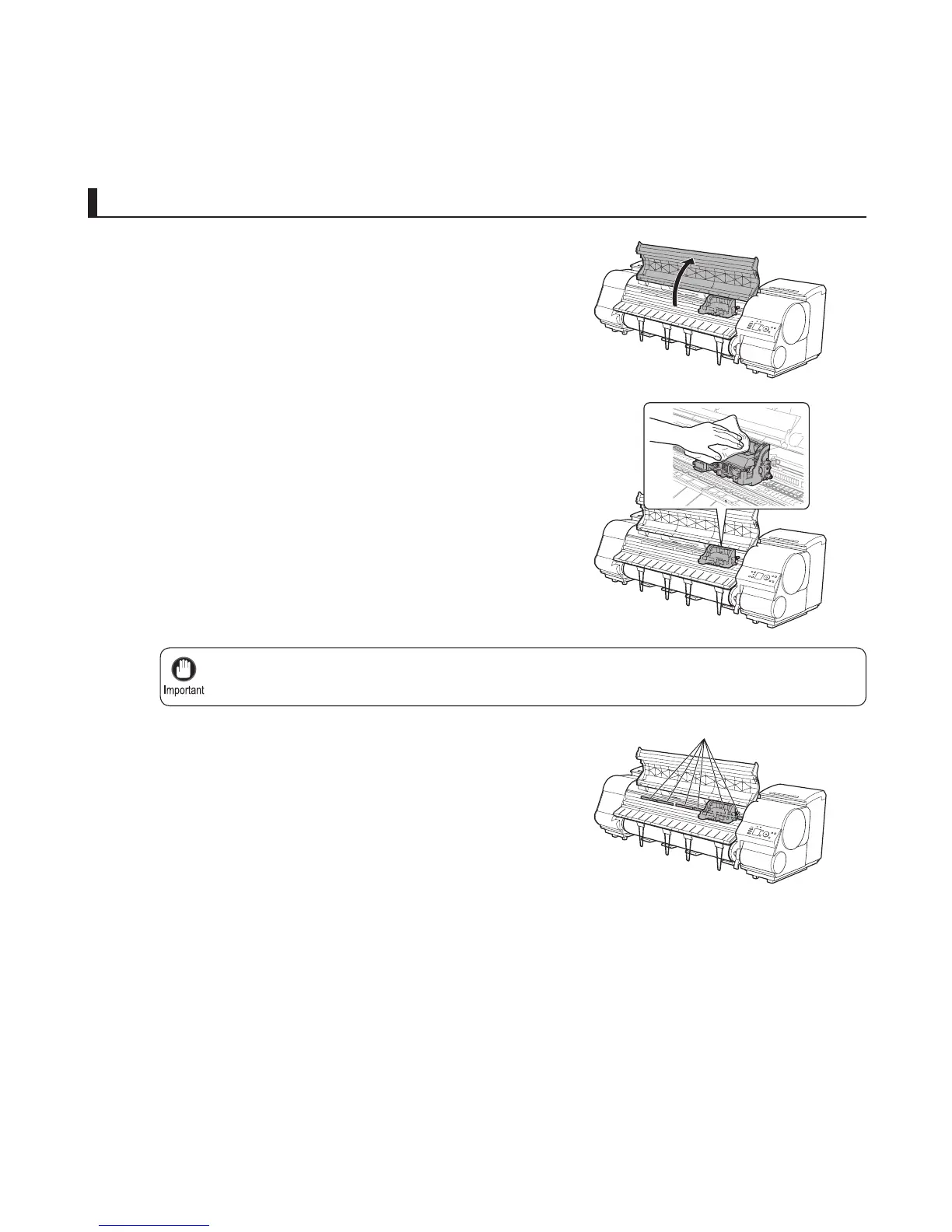
If the ventilation duct (a) is dirty, use a damp cloth that you
have wrung out completely to wipe it clean.
If the Carriage Cover is dirty, use a damp cloth that you
have wrung out completely to wipe it clean.
Replace the printhead
Open the Top Cover .
Instructions are now shown on the Display Screen
regarding head replacement.
Move the Carriage out of the way manually if the Carriage
is concealing the ventilation duct, and then clean the duct.
Press the OK button.
Ink is now fi lled.
After about three minutes, a message is shown on the
Display Screen instructing you to open the Top Cover .
a













 To Next Page