5
On the Print dialog box in the apllication software, click
the Print button.
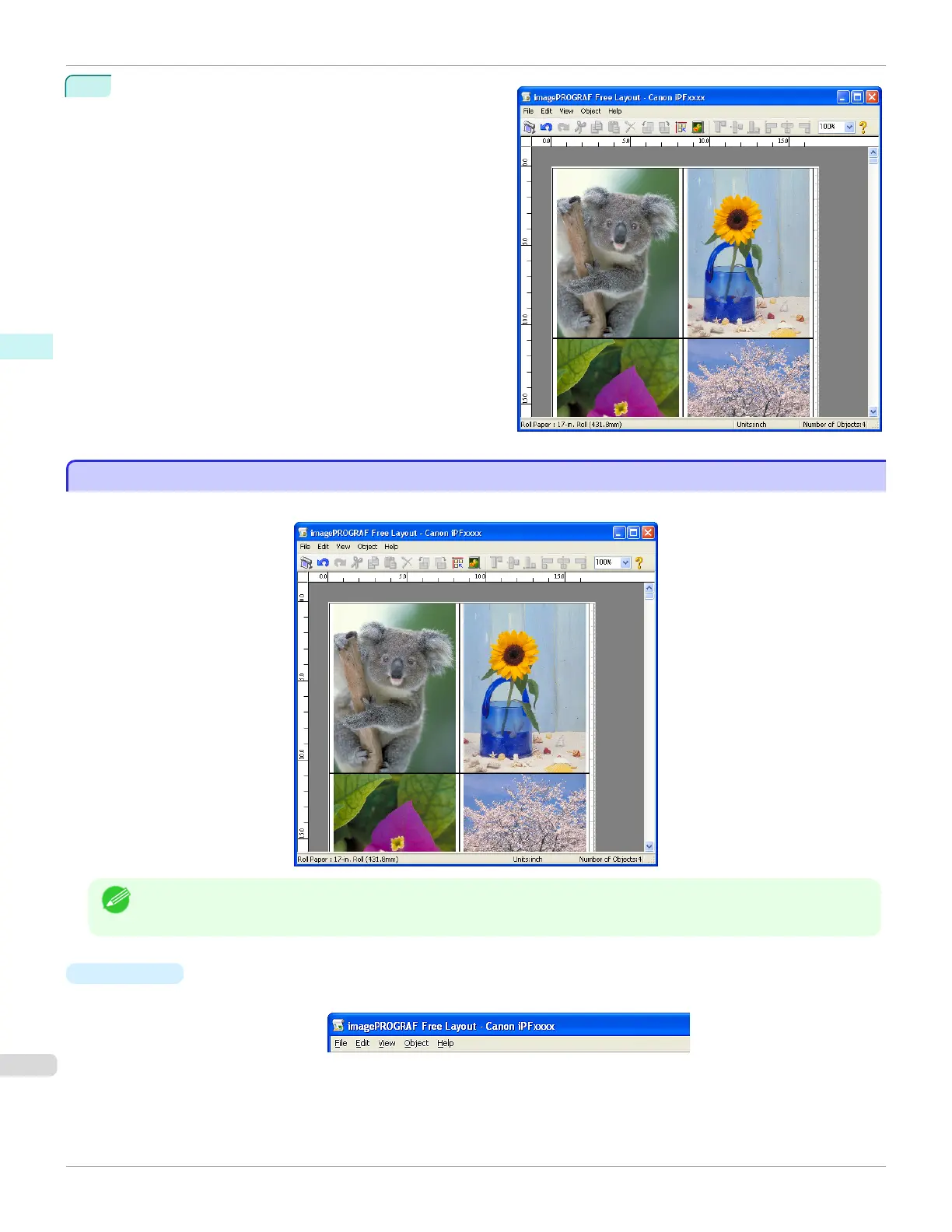
Free Layout main window is displayed.
Free Layout Main Window
Free Layout Main Window
The Free Layout main window consists of the menu and tool bars, layout area and status bar.
Note
• You can use the View menu to show or hide the tool and status bar.
•
Menu Bar
This allows you to select menus required for operations.
Free Layout Main Window
iPF785
User's Guide
Windows Software Free Layout
204














 To Next Page