7
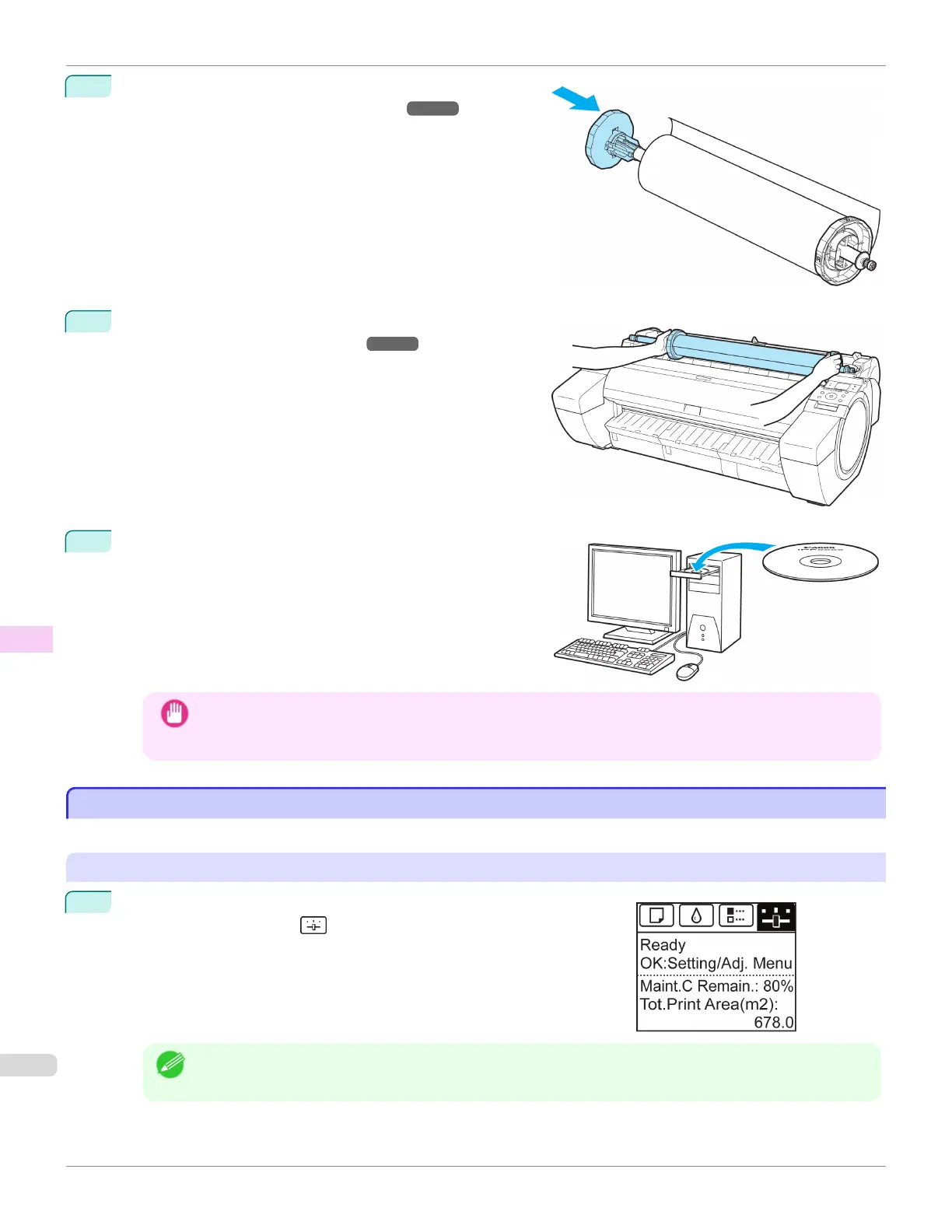
Load the Roll Media on the Roll Holder.
(See "Attaching the Roll Holder to Rolls.") ➔ P.372
8
Load the Roll Media in the printer.
(See "Loading Rolls in the Printer.") ➔ P.375
9
Install the software.
Note that the driver installation procedure varies depending
on the type of connection.
Important
• When the printer is connected to a network (via TCP/IP), the printer's IP address may be changed if you
reinstall the printer.
In this case, be sure to reconfigure the printer's IP address.
Updating the Firmware
Updating the Firmware
Update the printer firmware to take advantage of new and improved printer functions.
Confirming the firmware version
1
On the Tab Selection screen of the Control Panel, press ◀ or ▶ to se-
lect the Settings/Adj. tab ( ).
Note
• If the Tab Selection screen is not displayed, press the Menu button.
Updating the Firmware
iPF785
User's Guide
Maintenance and Consumables Other Maintenance
622














 To Next Page