Maintenance Cartridge
Maintenance Cartridge
Maintenance Cartridge ........................................................................................................................................................ 606
Replacing the Maintenance Cartridge ........................................................................................................................... 606
Checking the Remaining Maintenance Cartridge Capacity ................................................................................. 610
When to Replace the Maintenance Cartridge ............................................................................................................ 611
Maintenance Cartridge
Maintenance Cartridge
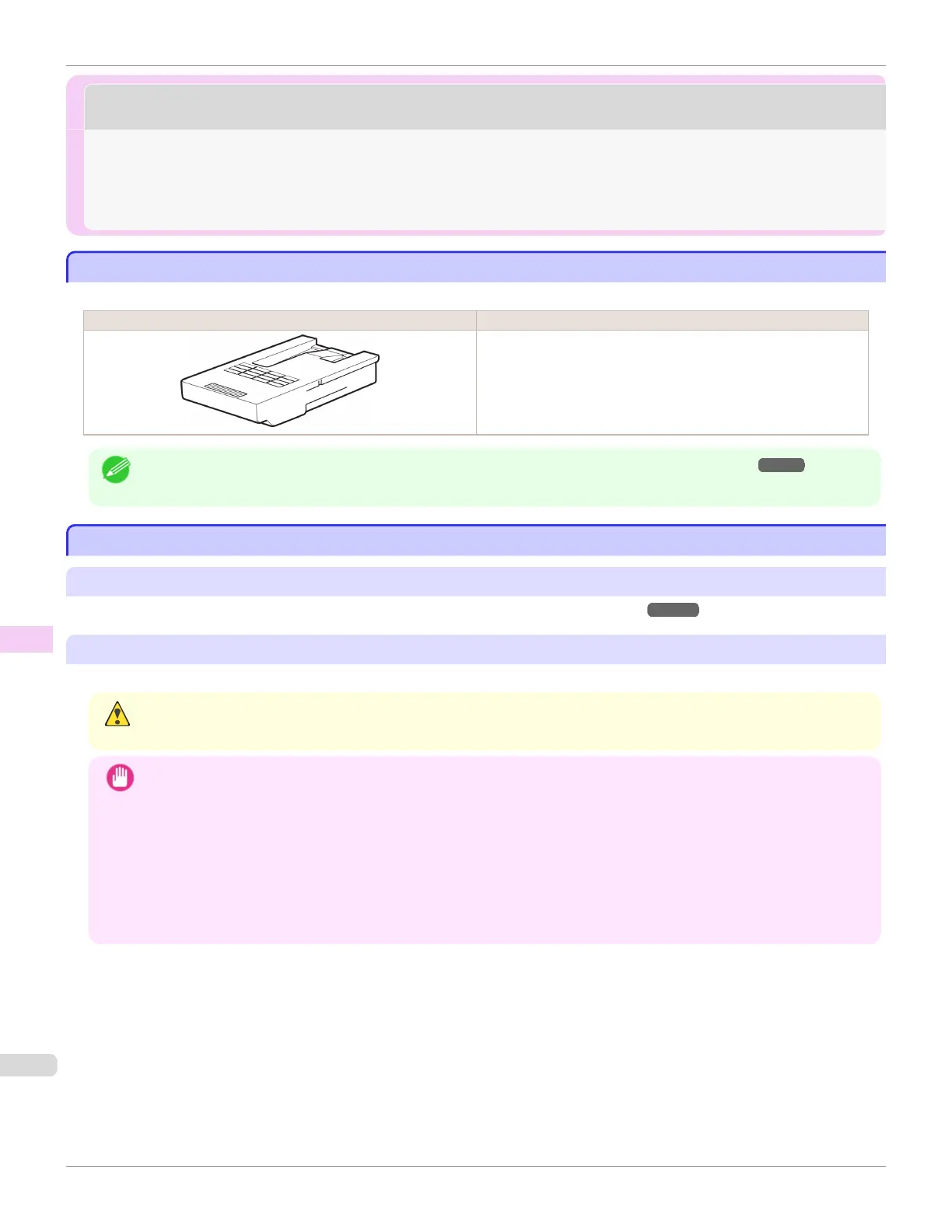
When purchasing, check the Model number.
Shape Model number
MC-10
Note
• For instructions on replacing the Maintenance Cartridge, see "Replacing the Maintenance Cartridge." ➔ P.606
Replacing the Maintenance Cartridge
Replacing the Maintenance Cartridge
Compatible maintenance cartridges
For information on compatible maintenance cartridges, see "Maintenance Cartridge." ➔ P.606
Precautions when handling the Maintenance Cartridge
Take the following precautions when handling the Maintenance Cartridge.
Caution
• For safety, keep the Maintenance Cartridge out of the reach of children.
• If ink is accidentally ingested, contact a physician immediately.
Important
• Do not remove the Maintenance Cartridge except to replace it. Ink may leak out.
• Do not remove an Maintenance Cartridge during initialization immediately after turning on the printer, during Printhead
cleaning, while ink is being drawn out, or during initialization immediately after replacing the Maintenance Cartridge.
The Maintenance Cartridge may become damaged or ink may leak out.
• To prevent ink from leaking from a used Maintenance Cartridge, avoid dropping the cartridge or storing it at an angle.
Otherwise, ink may leak and cause stains.
• Ink adheres to the top of the Maintenance Cartridge after it has been used. Handle the Maintenance Cartridge careful-
ly during replacement. The ink may stain clothing.
Maintenance Cartridge
iPF785
User's Guide
Maintenance and Consumables Maintenance Cartridge
606














 To Next Page