Advanced Print Job Operations
Advanced Print Job Operations
Saving Print Jobs Sent from Sources Other than the Printer Driver .............................................................. 551
Printing Without Saving Jobs in the Common Box .................................................................................................. 552
Setting Passwords for Personal Boxes ......................................................................................................................... 553
Naming Personal Boxes ....................................................................................................................................................... 556
Displaying a List of Saved Jobs ....................................................................................................................................... 559
Printing a List of Saved Jobs ............................................................................................................................................ 562
Displaying Details of Saved Jobs ..................................................................................................................................... 563
Renaming Saved Jobs .......................................................................................................................................................... 566
➔ Printer Hard Disk Operations ..................................................................................................................................... 483
➔ Checking the Free Hard Disk Space ....................................................................................................................... 484
Saving Print Jobs Sent from Sources Other than the Printer Driver
Saving Print Jobs Sent from Sources Other than the Printer Driver
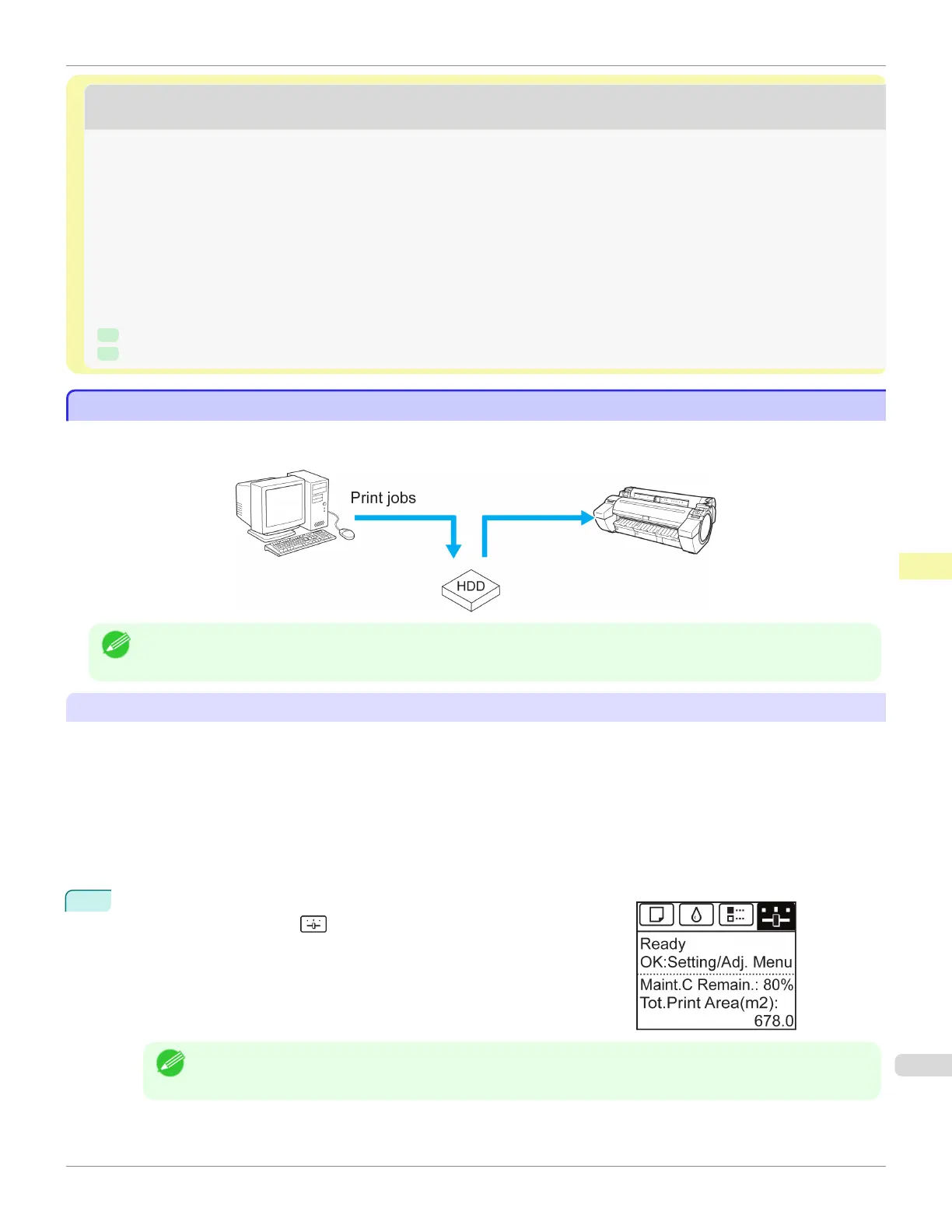
To save print jobs sent from software or systems other than the printer driver or applications provided with the printer,
complete the Output Method and Print After Recv settings in the Control Panel menu.
Note
• Contact the software or system developer for information about support for this printer function.
Specifying Output Method
In Output Method, specify how to manage jobs, regarding printing and saving them.
•
Print
Save print jobs automatically at the same time they are printed. (This is the default format.)
•
Print (Auto Del)
Save print jobs temporarily at the same time they are printed and delete them after printing.
•
Save: Box 01 (Here, the number represents a box number)
Save print jobs on the printer.
1
On the Tab Selection screen of the Control Panel, press ◀ or ▶ to se-
lect the Settings/Adj. tab ( ).
Note
• If the Tab Selection screen is not displayed, press the Menu button.
iPF785
Saving Print Jobs Sent from Sources Other than the Printer Driver
User's Guide
Print Job Management Advanced Print Job Operations
551














 To Next Page