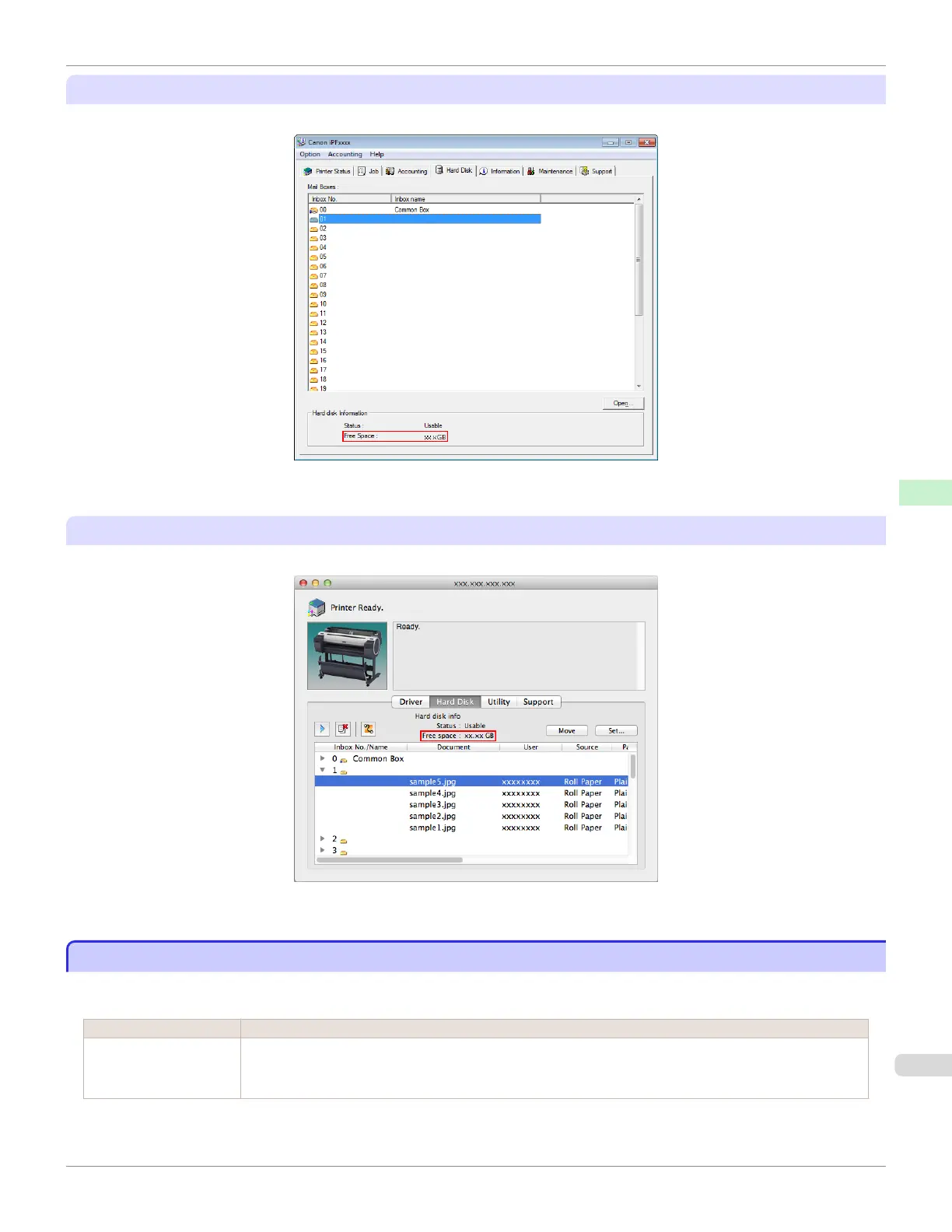
Using imagePROGRAF Status Monitor
The Hard Disk sheet shows the free hard disk space.
For details, refer to the imagePROGRAF Status Monitor help file.
Using imagePROGRAF Printmonitor
The Hard Disk pane shows the free hard disk space.
For details, refer to the imagePROGRAF Printmonitor help file.
Erasing Data on the Printer's Hard Disk
Erasing Data on the Printer's Hard Disk
When erasing all data on the hard disk, choose from the following three options.
This operation is only available from the Control Panel.
Erasure Method Details
High Speed Erases file management data for print job data stored on the printer's hard disk. Choose this method for
relatively fast erasure. Because only the file management data is erased, the print job data itself is not
erased. Note that it may be possible to read this data using commercial data recovery software.
iPF785
Erasing Data on the Printer's Hard Disk
User's Guide
Printer Parts Hard Disk
485














 To Next Page