xxviii
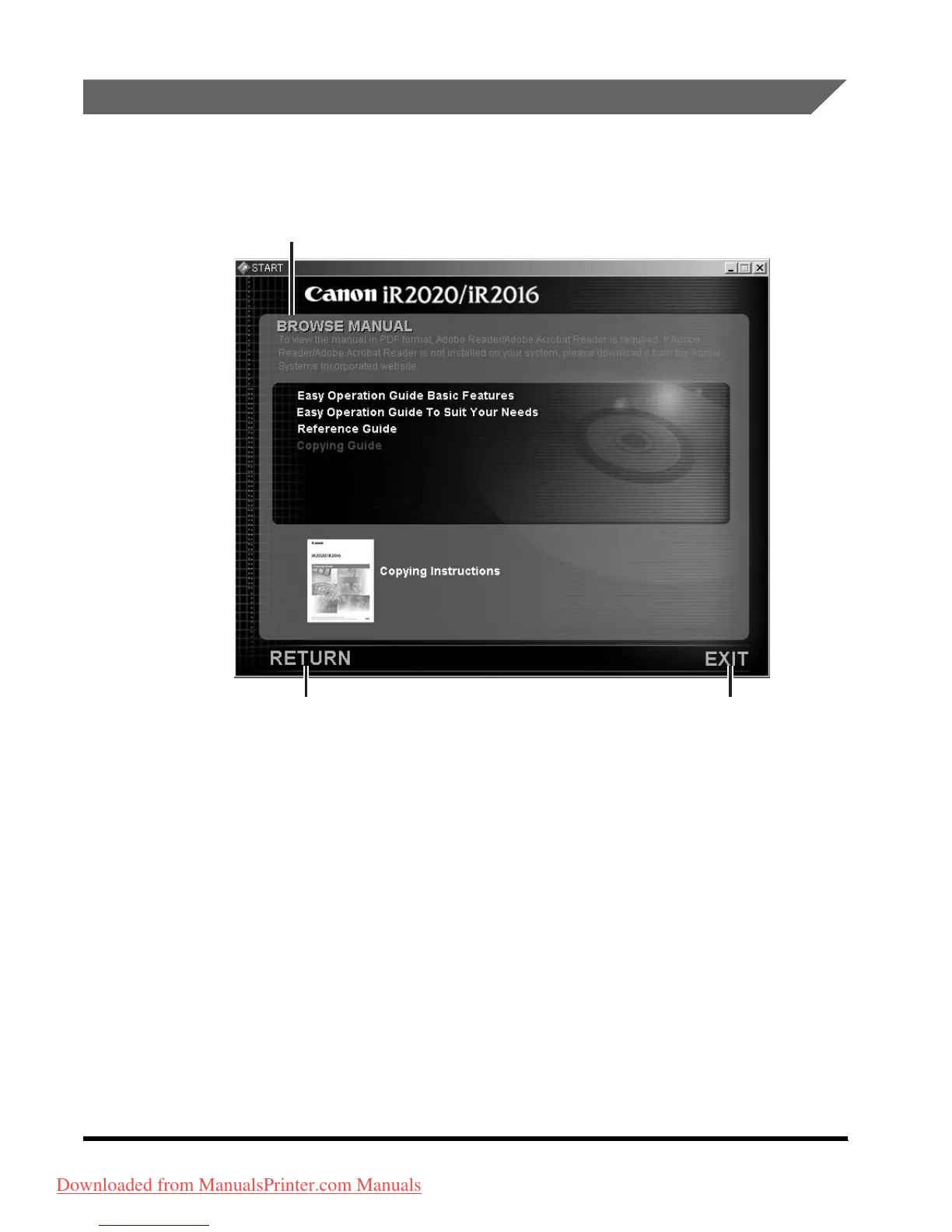
Using the CD-ROM Menu
This section describes how to use the CD-ROM Menu. When you insert the User
Manual CD-ROM provided into the CD-ROM drive, the Language Selection screen
is displayed. Clicking a language on this screen displays the following menu.
a BROWSE MANUAL
You can read any of the listed guides by
clicking on the desired guide. After clicking
on the desired guide, Adobe Reader/Adobe
Acrobat Reader starts, and the PDF manual
is displayed.
b RETURN
Return to the Language Selection menu.
c EXIT
Exit the [CD-ROM] menu.
a












 To Next Page