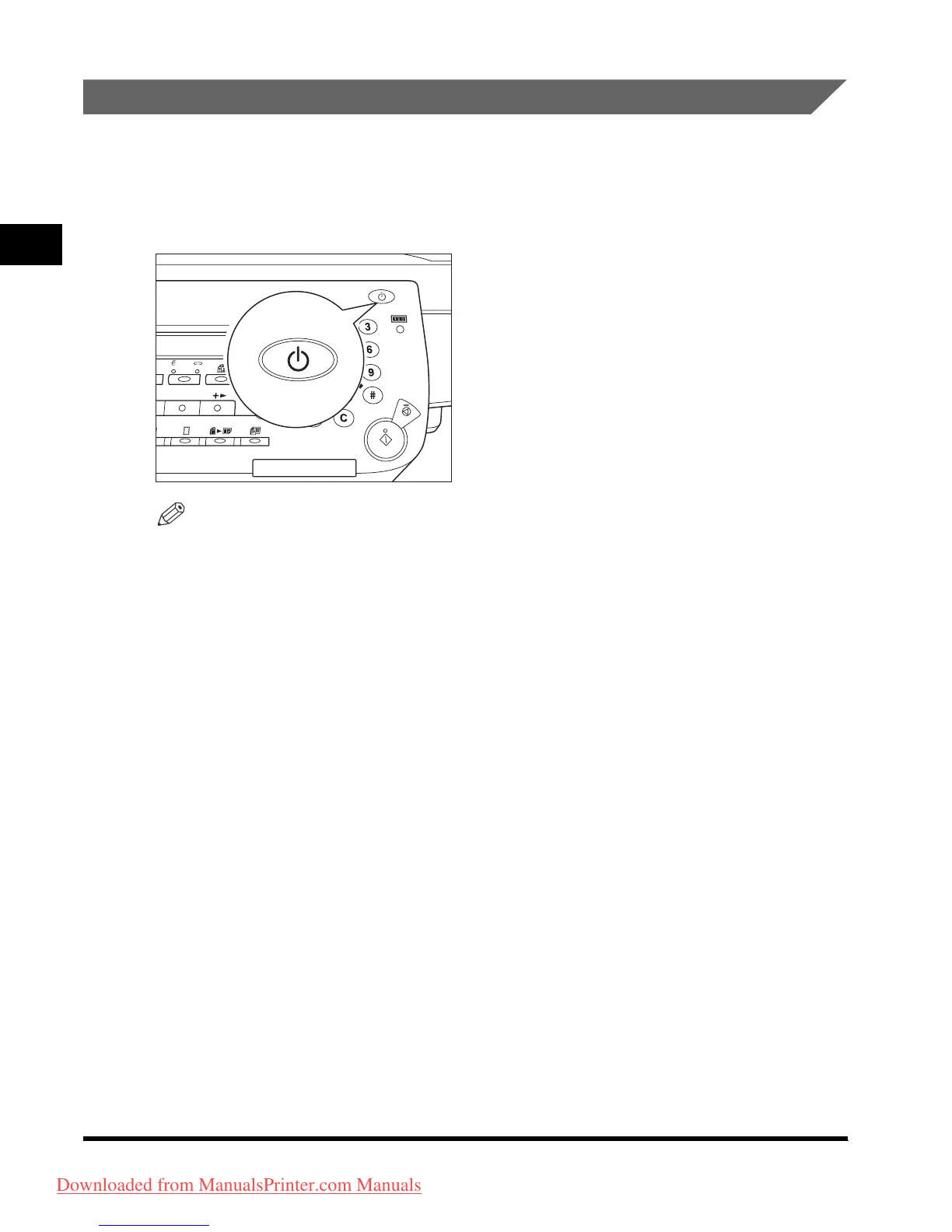
Main Power and Control Panel Power
1-24
Before You Start Using This Machine
1
Control Panel Power Switch
If the machine remains idle for a specified length of time, or the control panel power
switch is pressed, the machine enters the Sleep mode.
Press the control panel power switch to cancel the Sleep mode and resume normal
machine operations.
NOTE
•
The power consumption at Sleep mode can be set in the Additional Functions menu.
(See “Energy Consumption in the Sleep Mode,” in the Reference Guide.)
•
The length of time taken by the machine to enter the Sleep mode can be set in Additional
Functions menu. (See “Auto Sleep Time,” in the
Reference Guide
.)
•
The machine does not enter the Sleep mode if the machine is scanning or printing. (See
“Auto Sleep Time,” in the
Reference Guide
.)
•
The machine can receive and print documents from a personal computer even when it is
in the Sleep mode. Fax documents can also be received while the machine is in the
Sleep mode.
O
N/
O
FF
A
B
C
G
HI
P
Q
R
S
T
J
K
L
D
E
F
MN
O
W
XY
Z
T
U
V
R
e
s
et
O
K
Downloaded from ManualsPrinter.com Manuals












 To Next Page