Main Power and Control Panel Power
1-23
Before You Start Using This Machine
1
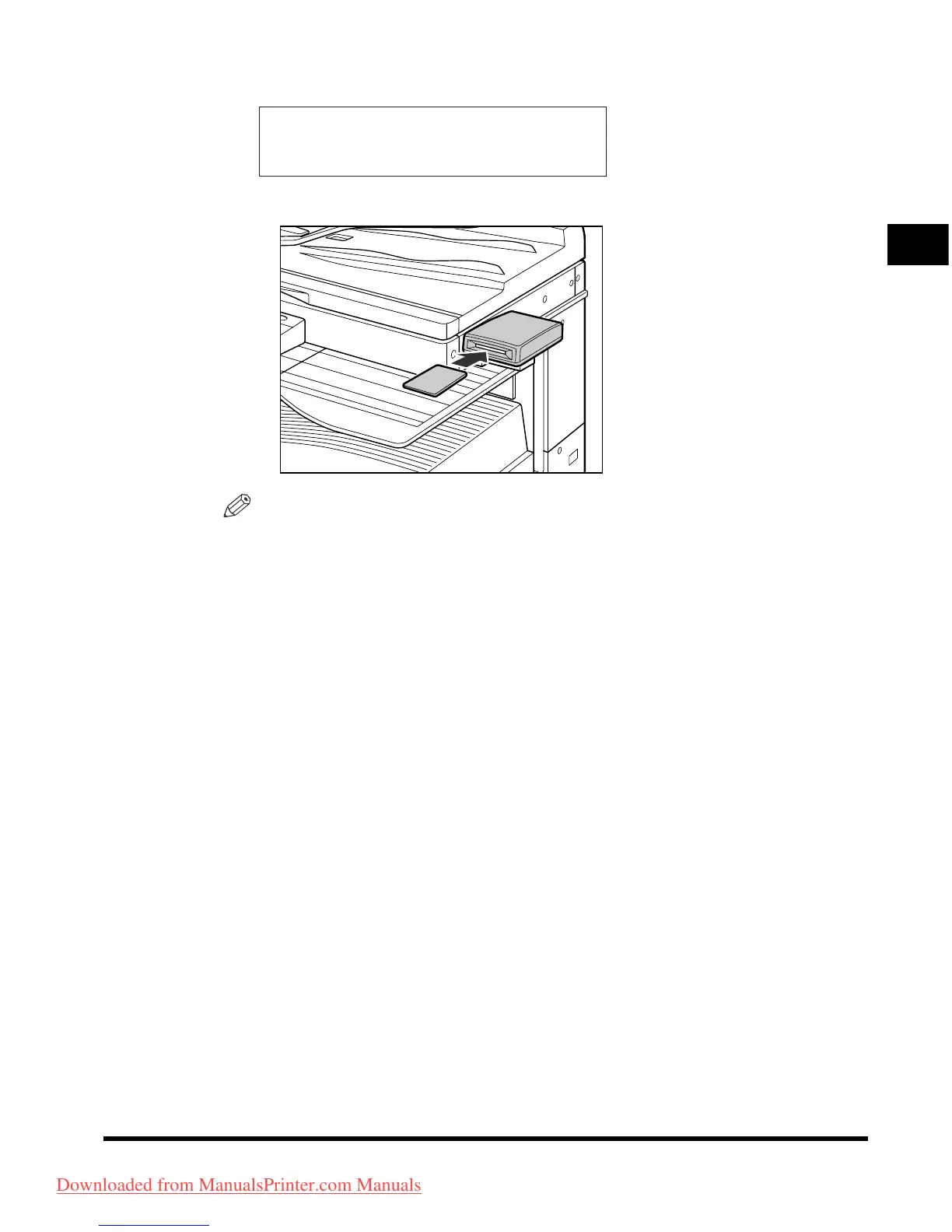
● If the message <INSERT CONTROL CARD> appears:
❑
Insert the control card into the optional Card Reader-E1.
NOTE
For details about the control card, see “Card Reader-E1,” in the
Reference Guide
.
INSERT CONTROL CARD
Downloaded from ManualsPrinter.com Manuals












 To Next Page