Main Power and Control Panel Power
1-22
Before You Start Using This Machine
1
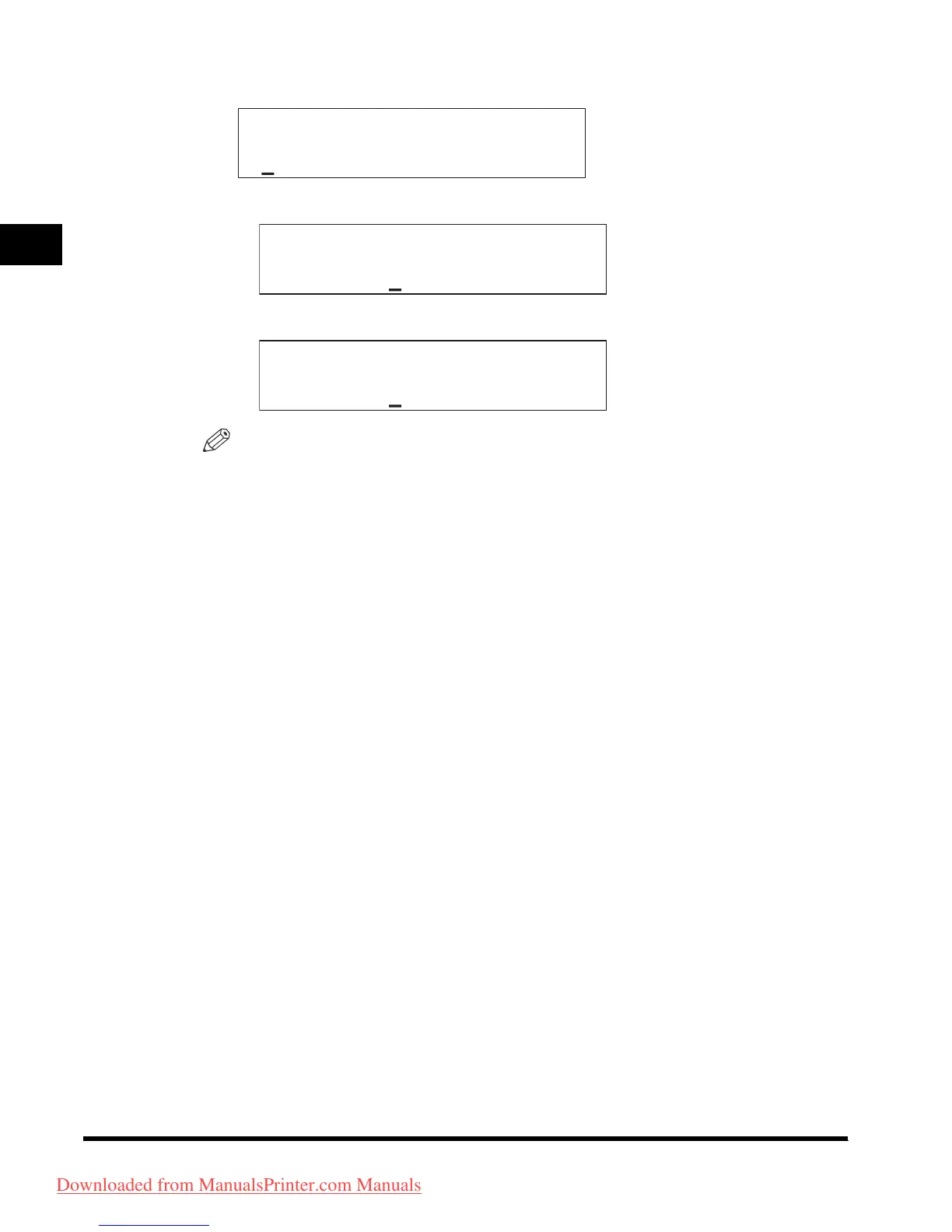
● If the message <ENTER DEPT. ID> appears:
❑
Enter the Department ID using the numeric keys, and press [OK].
❑ Enter the password.
NOTE
•
If the Department ID Management is set to <
ON
>, the message <
ENTER DEPT.
ID
> appears. For details about entering the Department ID and password, see
“After Turning the Power On,” in the
Reference Guide
.
•
<
DEPT. ID PASSWORD
> is displayed even if the password has not been set. In
this case, press [
OK
] to enter the Standby mode.
•
For details about the Department ID Management, see “Department ID
Management,” in the
Reference Guide
.
ENTER DEPT.ID
ENTER DEPT.ID
1234567
DEPT.ID PASSWORD
*******
Downloaded from ManualsPrinter.com Manuals












 To Next Page