Main Power and Control Panel Power
1-21
Before You Start Using This Machine
1
The power indicator on the Control Panel lights.
If the power indicator does not light, check if the power plug is firmly inserted into
the power outlet.
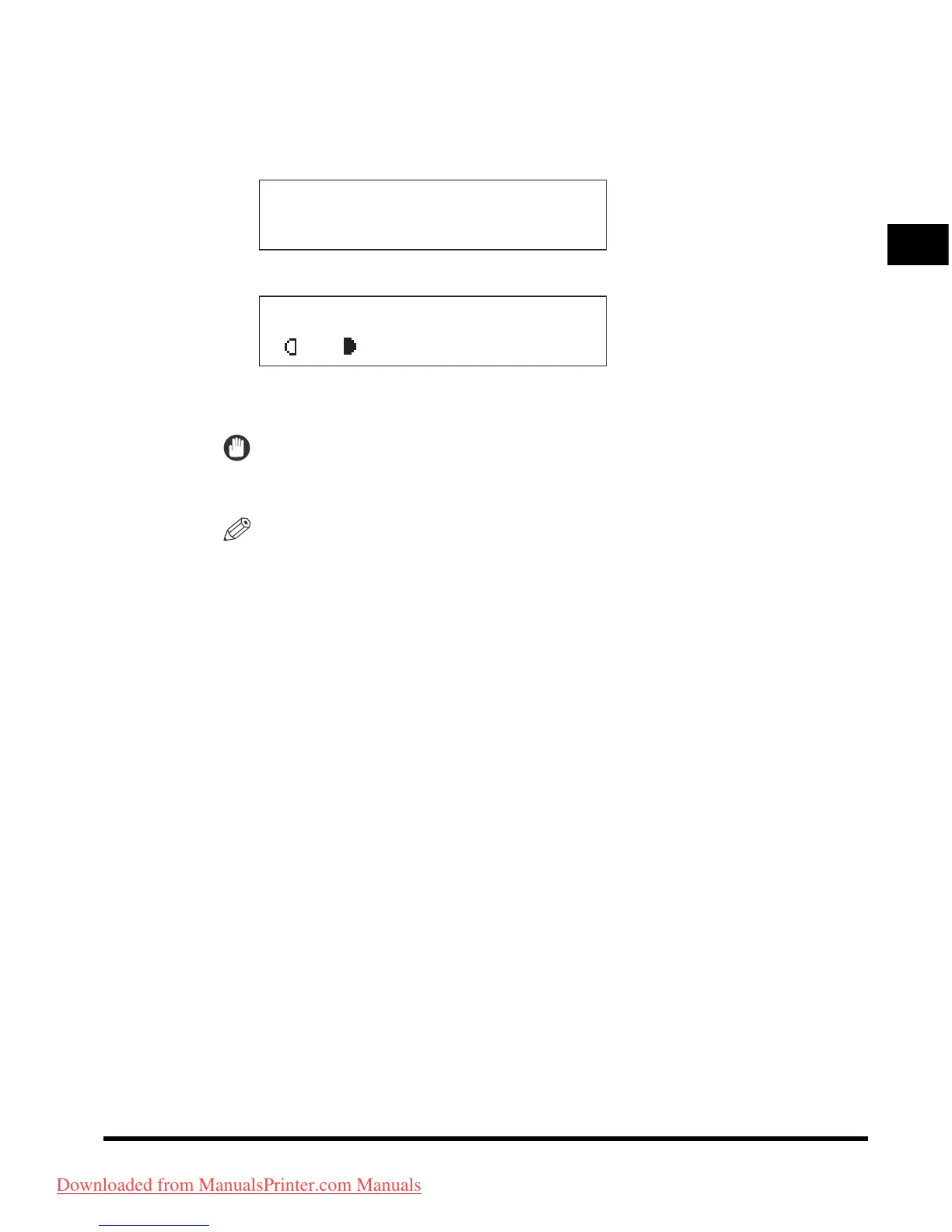
The message below is displayed until you can operate the machine.
The screen below is displayed when the machine is ready to scan.
It takes about 13 seconds (at a room temperature of 20 °C) for the machine to
warm up.
IMPORTANT
If you turn OFF the main power, wait at least 10 seconds before turning the main
power back ON.
NOTE
•
The standard settings are selected at power ON.
•
The standard copy settings are as follows:
- Copy Ratio: Direct (100 %)
- Paper Selection: Auto Paper Selection
- Copy Density: Auto Density Control
- Copy Quantity: 1
- Image Quality: TEXT
- Copy Function: One-sided Copy
•
You can change the standard copy settings. (See the
Copying Guide
.)
•
You can reserve a job when the display above appears. (See the
Copying Guide
.)
INITIALIZING...
100% AUTO
A TEXT
O1
Downloaded from ManualsPrinter.com Manuals












 To Next Page