System Configuration and Parts
1-14
Before You Start Using This Machine
1
System Configuration and Parts
This section provides you with the names and functions of all parts on the outside
and inside of the main unit, optional equipment, and Control Panel.
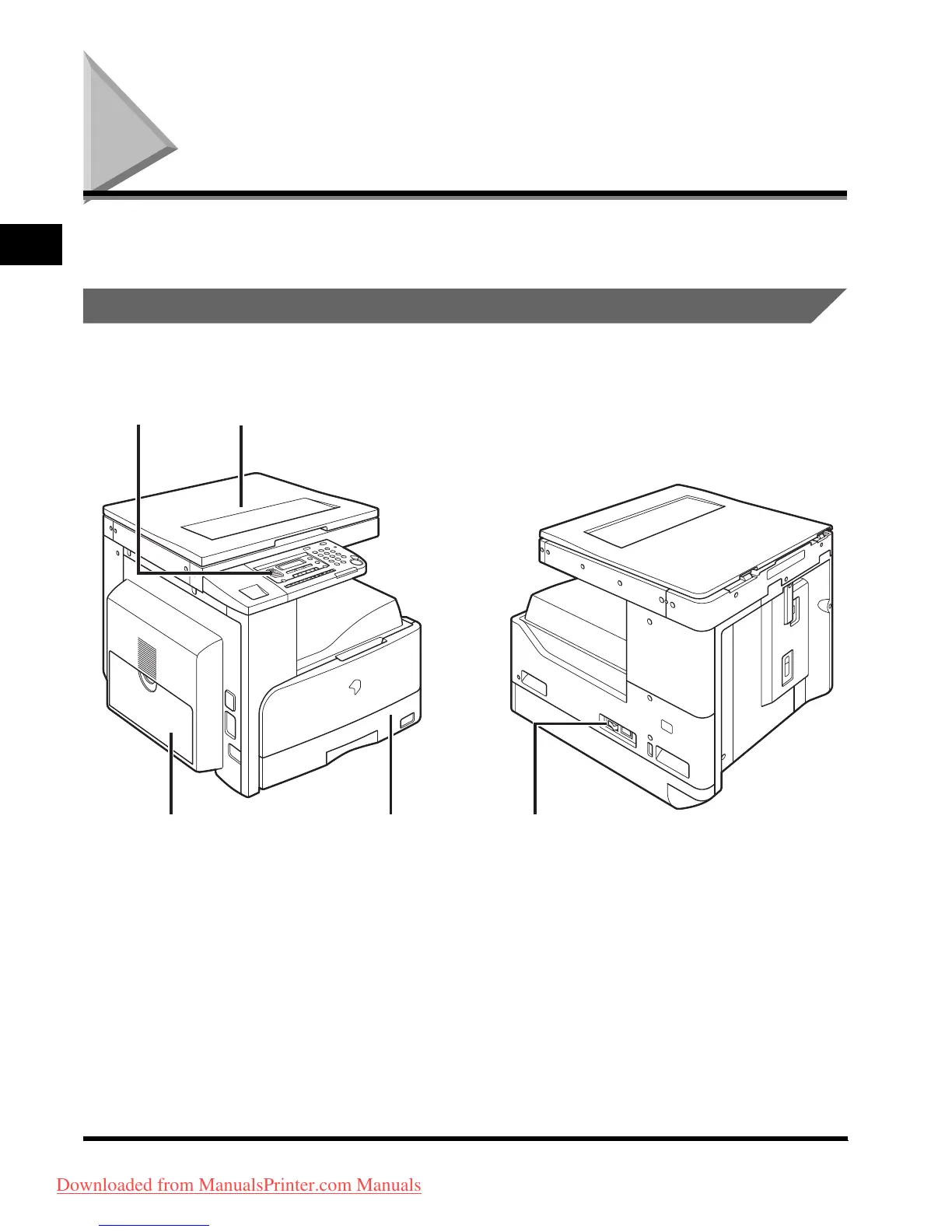
External View
a Platen Cover
b Control Panel
(See “Control Panel Parts,” on p. 1-17.)
c Stack Bypass
Feeds transparencies and non-standard size
paper stock. (See “Making Prints Using the
Stack Bypass,” in the Reference Guide.)
d Paper Drawer
Holds up to 250 sheets of paper (80 g/m
2
).
e Main Power Switch
ab












 To Next Page