Installation Location and Handling
1-10
Before You Start Using This Machine
1
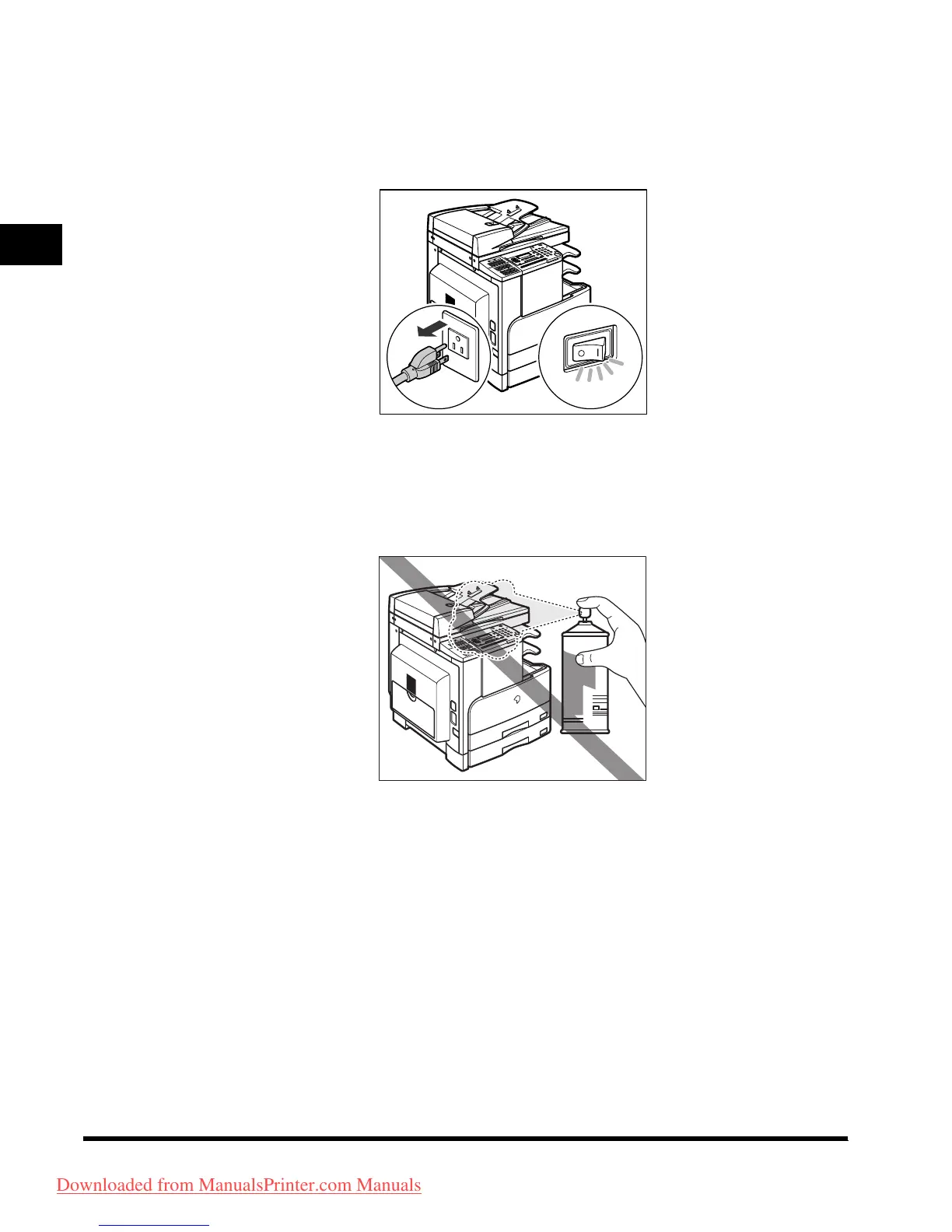
■ If there is smoke or unusual noise, immediately turn the main power switch
OFF, disconnect the power cord from the power outlet, and then call your
local authorized Canon dealer. Using the machine in this state may cause a
fire or electrical shock. Also, avoid placing objects around the power plug
so that the machine can be disconnected whenever necessary.
■ Do not turn the main power switch OFF or open the front covers while the
machine is in operation. This may result in paper jams.
■ Do not use flammable sprays, such as spray glue near the machine. There
is danger of ignition.
OFF
Downloaded from ManualsPrinter.com Manuals












 To Next Page