Things You Must Do Before Using This Machine
1-29
Before You Start Using This Machine
1
4
Enter the current date (day, month, year) and time using the
numeric keys.
Enter the date, and the time in 24-hour clock as four digits without a space.
Examples: 3 August → 0308
2005 → 05
7:05 a.m. → 0705
11:18 p.m. → 2318
NOTE
If you make a mistake when entering values, select the wrong values using
[]
or [ ]
and enter the values again.
5
Press [OK].
The time is set and the display returns to the <TIMER SETTINGS> menu.
6
Press [Stop] to return to the Standby mode.
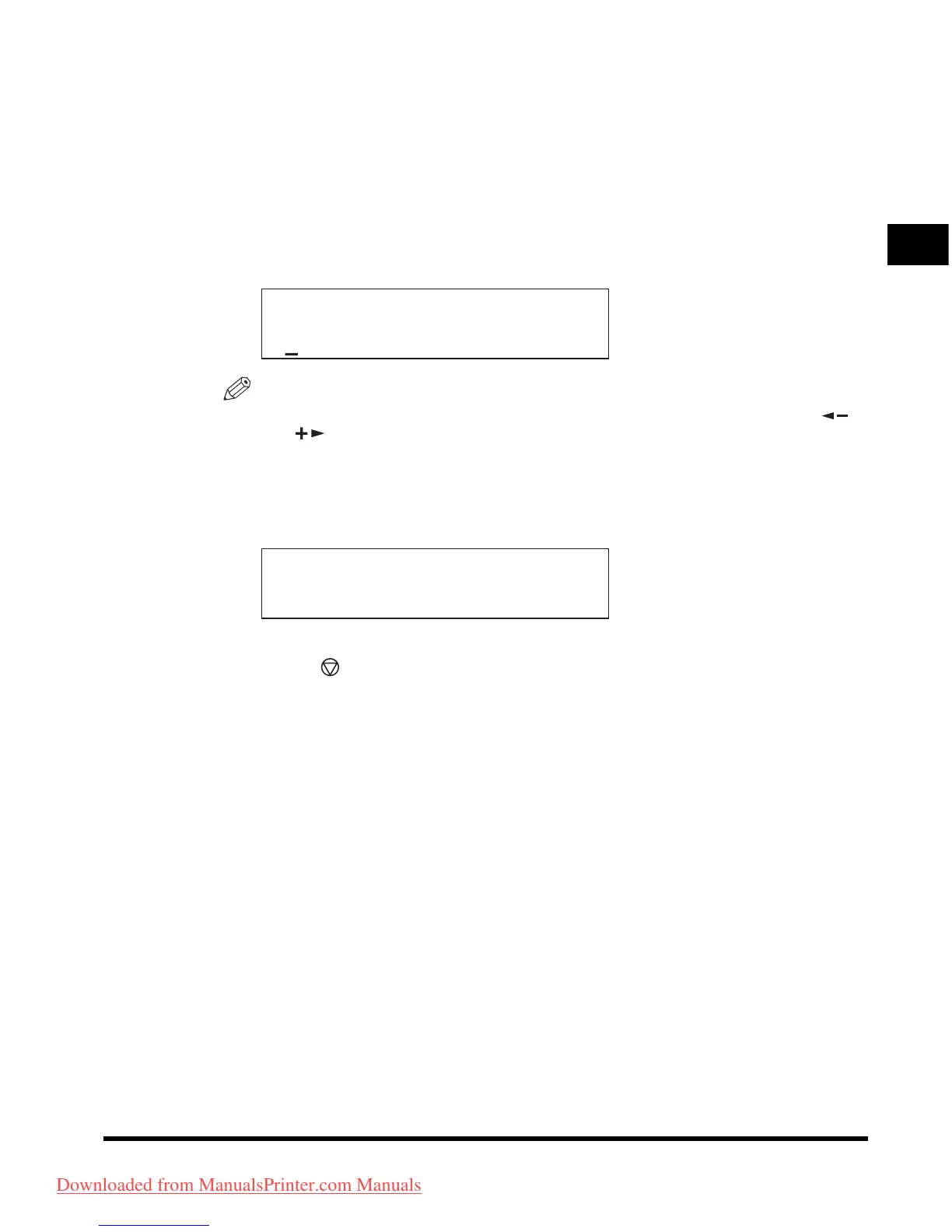
DATE&TIME SETTING
03/08 '05 10:50
TIMER SETTINGS
2.DATE TYPE SELECT
Downloaded from ManualsPrinter.com Manuals












 To Next Page