Loading Paper
2-4
Routine Maintenance
2
IMPORTANT
•
Rewrap any remaining paper in its original package, and store it in a dry place,
away from direct sunlight.
•
Do not load the following types of paper in the paper drawer. Doing so may cause
paper jams.
- Severely curled or wrinkled paper
- Heavyweight paper
- Transparencies
- Envelopes
- Labels
- Paper on which color images have been copied (do not copy on the reverse side
either)
- Paper which has been printed on using a thermal transfer printer (do not copy on
the reverse side either)
NOTE
For high-quality print output, use paper recommended by Canon.
3
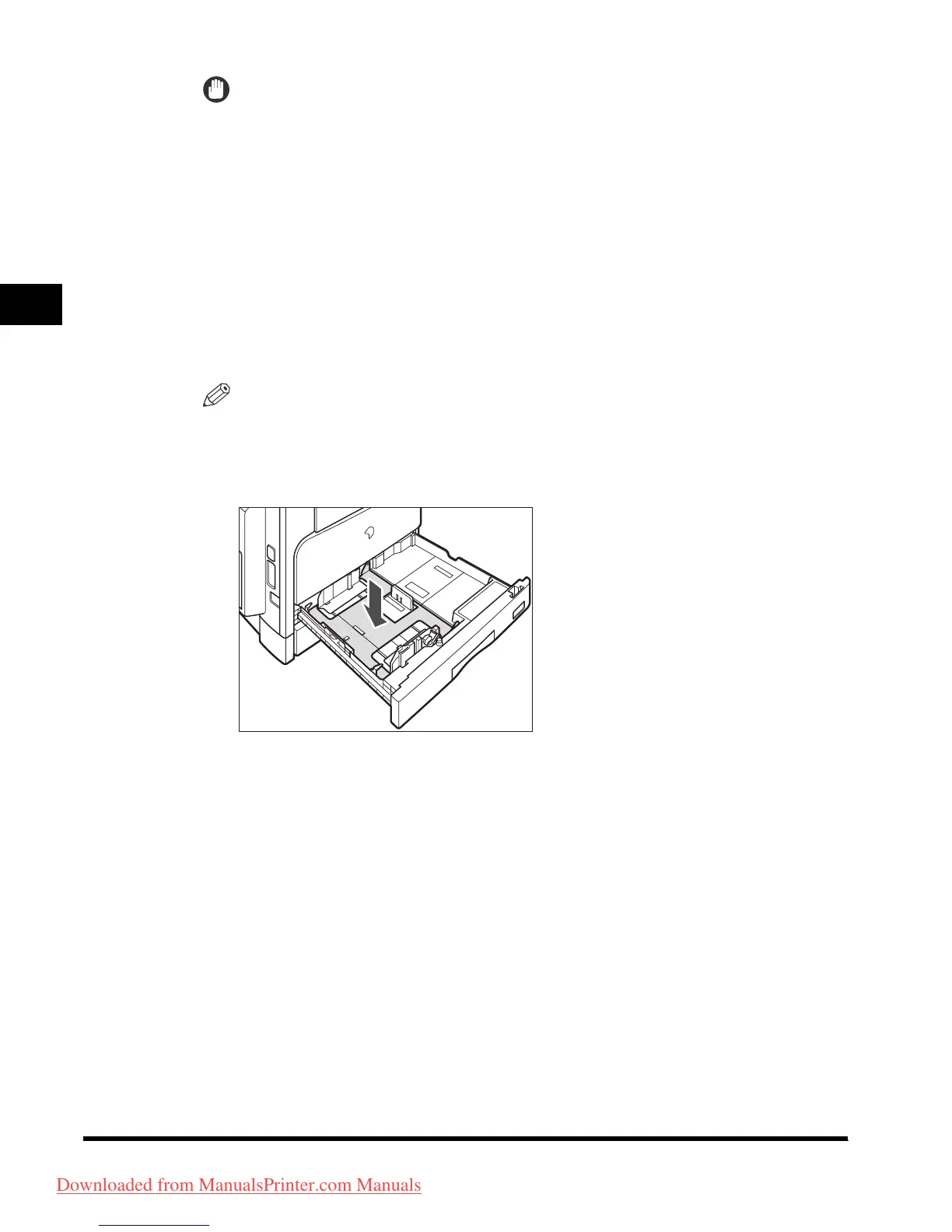
Push down the metal plate to lock.
Downloaded from ManualsPrinter.com Manuals












 To Next Page