Replacing the Toner Cartridge
2-12
Routine Maintenance
2
8
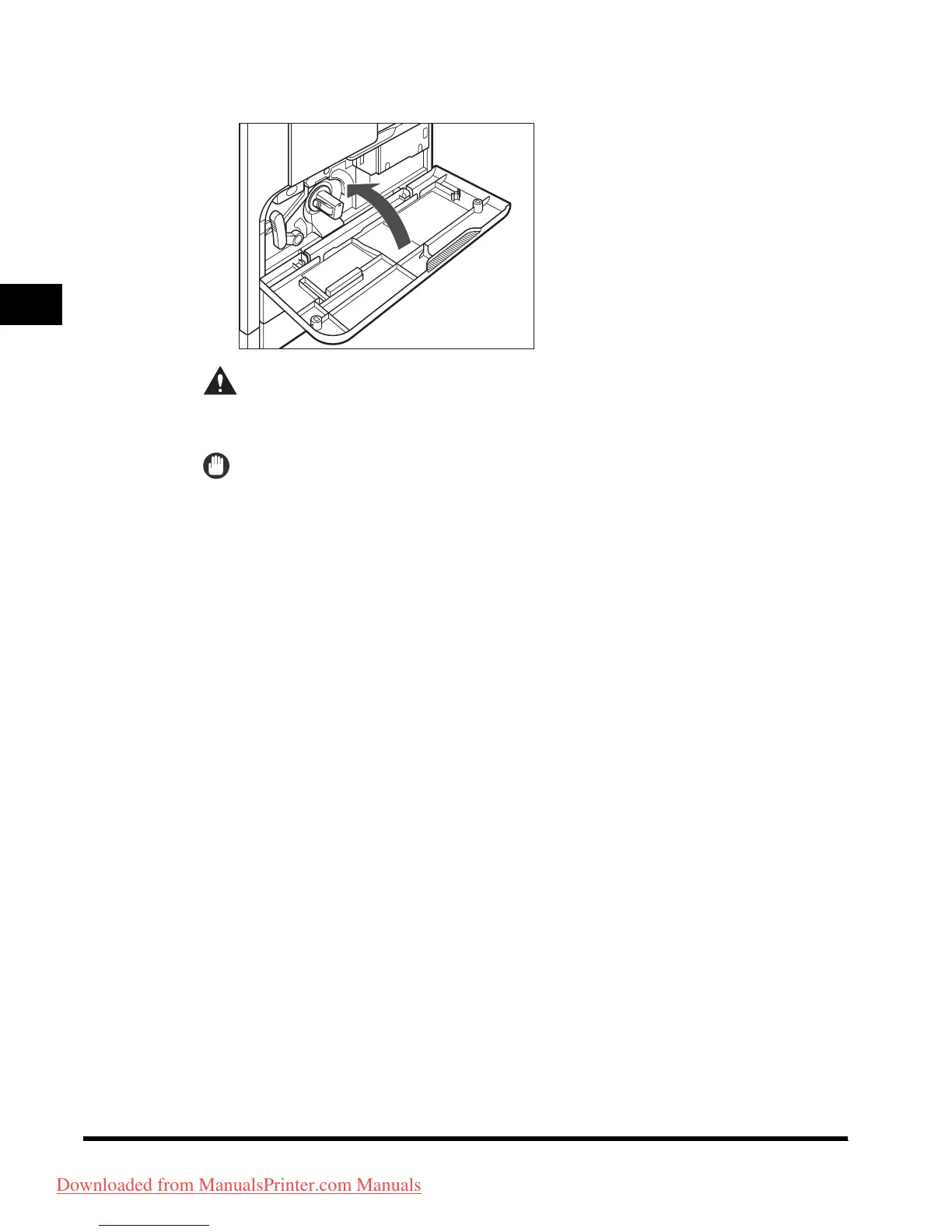
Close the front cover.
CAUTION
When closing the front cover, be careful not to get your fingers caught, as
this may result in personal injury.
IMPORTANT
Be sure to clean the roller every time you replace the toner cartridge. See “Fuser
Roller Cleaning,” in the
Reference Guide
.
Downloaded from ManualsPrinter.com Manuals












 To Next Page