Making a Copy with the Image Combination and Frame Erase Modes (Process/Layout)
7-101
7
Using the Express Copy Basic Features Screen
Erasing Shadows and Frame Lines from Copies
(Frame Erase)
For instructions on this procedure using the Regular Copy Basic Features screen, see "Frame
Erase," on p. 4-54.
IMPORTANT
A combination of the Original Frame Erase, Book Frame Erase, and Binding Erase modes cannot be
set. If you select one of these modes, the previously set mode is cancelled.
Making Copies by Erasing the Frame around the Original
(Original Frame Erase)
IMPORTANT
The Original Frame Erase mode can not be used with the Entire Image, Paper Insertion (Tab Paper),
Image Combination, Booklet, Image Repeat, Mirror Image, Tab Paper Creation, Page Numbering/Copy
Set Numbering, or Watermark/Print Date mode.
1
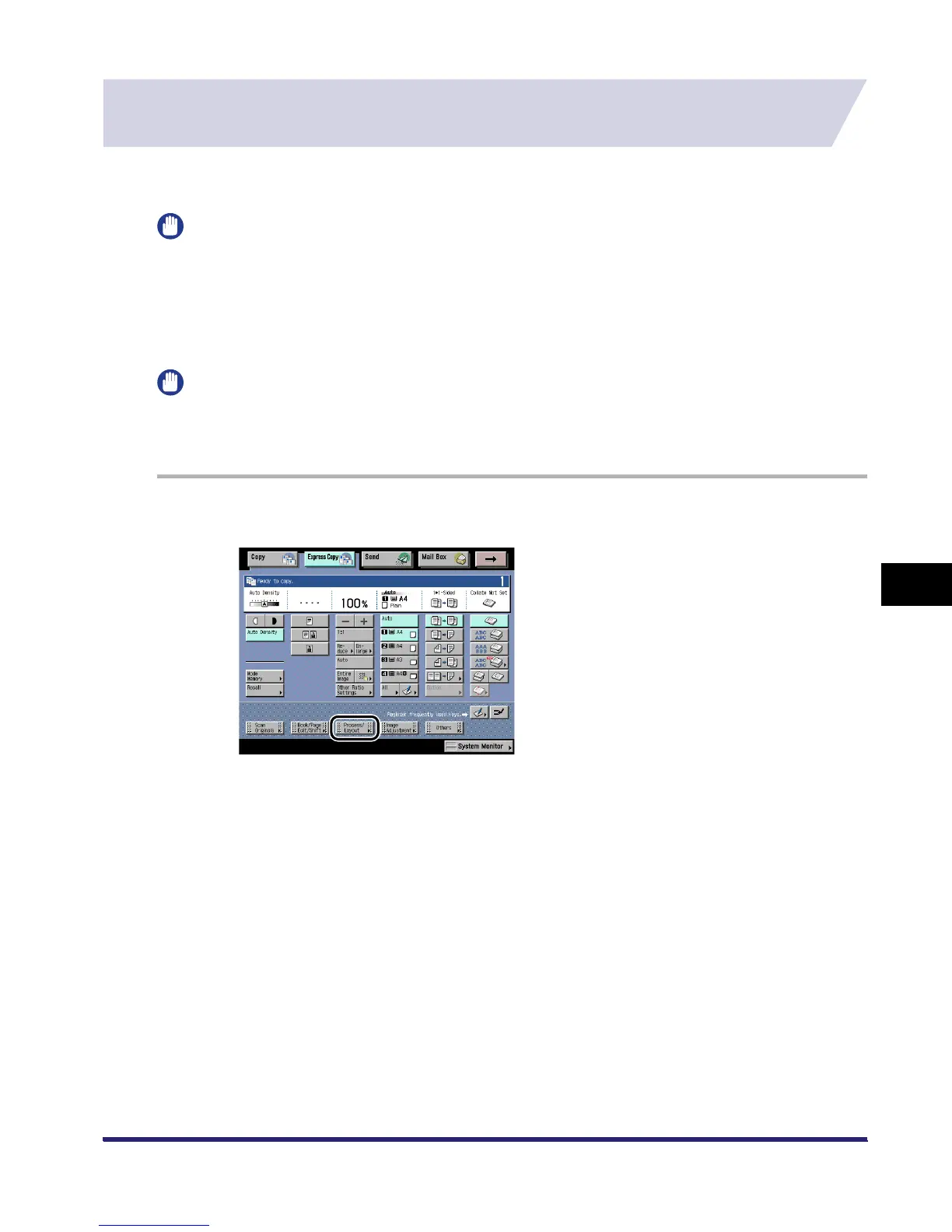
Press [Process/Layout].
iR6570_CMB_Upgrade_ENG_Post_Final.book Page 101 Tuesday, May 24, 2005 12:12 PM



 To Next Page