8
8
8-18
8-18
Service Mode > COPIER > ADJUST > SCNR
Service Mode > COPIER > ADJUST > SCNR
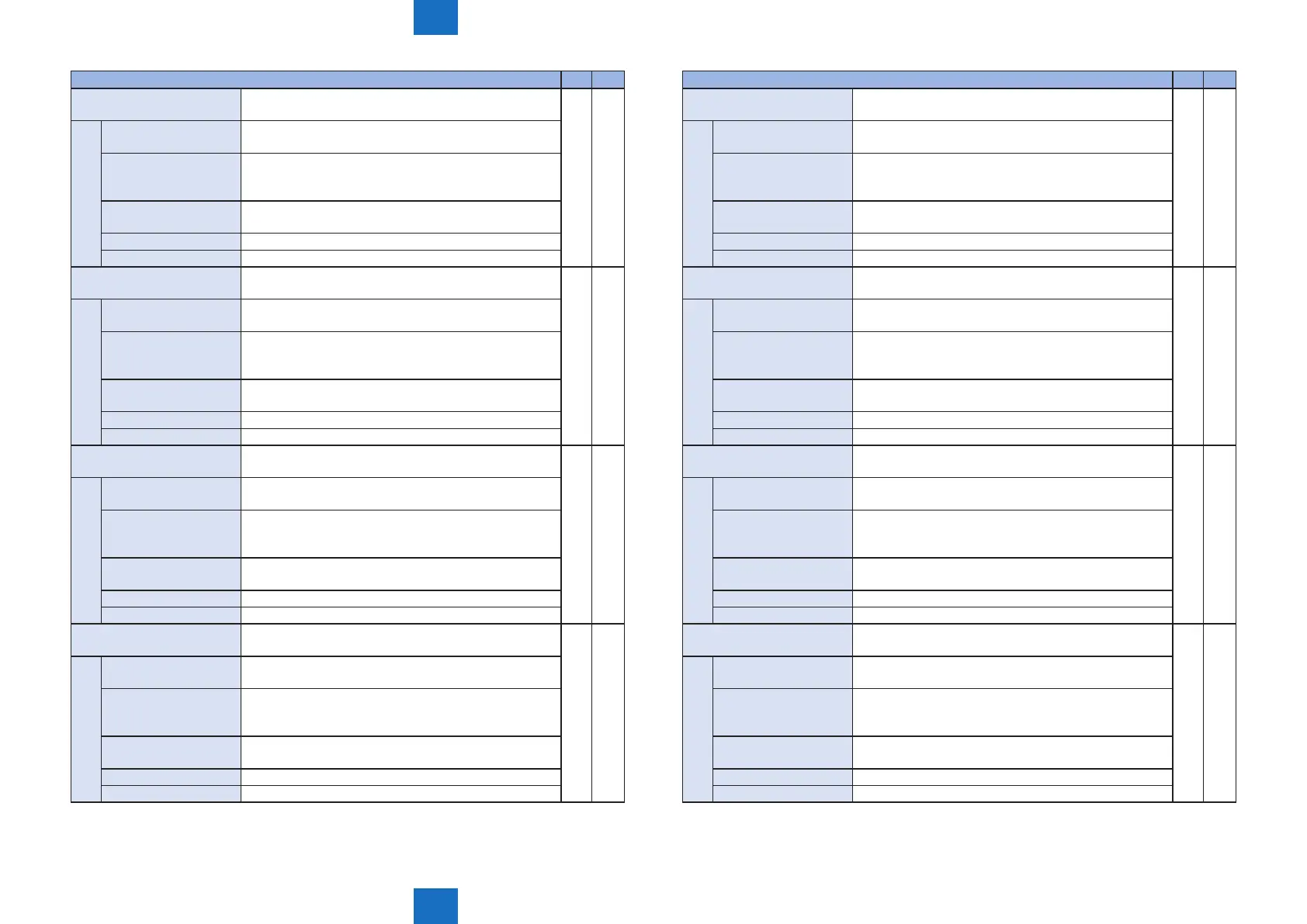
COPIER > ADJUST > SCNR M82 M85
MAI-S-Y0 Adjustment of scan time 1 (Y) in the horizontal scanning
direction
○ ○
Details To adjust the Y-color scan time 1 in the horizontal
scanning direction.
Use case When replacing the Laser Scanner Unit, enter the value
written on the label included in the package of the Laser
Scanner Unit
Adj/set/operate method Enter the setting value (switch negative/positive by -/+
key) and press OK key.
Display/adj/set range -511 to 511
Default value 0
MAI-S-M0 Adjustment of scan time 1 (M) in the horizontal scanning
direction
○ ○
Details To adjust the M-color scan time 1 in the horizontal
scanning direction.
Use case When replacing the Laser Scanner Unit, enter the value
written on the label included in the package of the Laser
Scanner Unit
Adj/set/operate method Enter the setting value (switch negative/positive by -/+
key) and press OK key.
Display/adj/set range -511 to 511
Default value 0
MAI-S-C0 Adjustment of scan time 1 (C) in the horizontal scanning
direction
○ ○
Details To adjust the C-color scan time 1 in the horizontal
scanning direction.
Use case When replacing the Laser Scanner Unit, enter the value
written on the label included in the package of the Laser
Scanner Unit
Adj/set/operate method Enter the setting value (switch negative/positive by -/+
key) and press OK key.
Display/adj/set range -511 to 511
Default value 0
MAI-S-K0 Adjustment of scan time 1 (Bk) in the horizontal scanning
direction
○ ○
Details To adjust the Bk-color scan time 1 in the horizontal
scanning direction.
Use case When replacing the Laser Scanner Unit, enter the value
written on the label included in the package of the Laser
Scanner Unit
Adj/set/operate method Enter the setting value (switch negative/positive by -/+
key) and press OK key.
Display/adj/set range -511 to 511
Default value 0
COPIER > ADJUST > SCNR M82 M85
MAI-S-Y1 Adjustment of scan time 2 (Y) in the horizontal scanning
direction
○ ○
Details To adjust the Y-color scan time 2 in the horizontal
scanning direction.
Use case When replacing the Laser Scanner Unit, enter the value
written on the label included in the package of the Laser
Scanner Unit
Adj/set/operate method Enter the setting value (switch negative/positive by -/+
key) and press OK key.
Display/adj/set range -511 to 511
Default value 0
MAI-S-M1 Adjustment of scan time 2 (M) in the horizontal scanning
direction
○ ○
Details To adjust the M-color scan time 2 in the horizontal
scanning direction.
Use case When replacing the Laser Scanner Unit, enter the value
written on the label included in the package of the Laser
Scanner Unit
Adj/set/operate method Enter the setting value (switch negative/positive by -/+
key) and press OK key.
Display/adj/set range -511 to 511
Default value 0
MAI-S-C1 Adjustment of scan time 2 (C) in the horizontal scanning
direction
○ ○
Details To adjust the C-color scan time 2 in the horizontal
scanning direction.
Use case When replacing the Laser Scanner Unit, enter the value
written on the label included in the package of the Laser
Scanner Unit
Adj/set/operate method Enter the setting value (switch negative/positive by -/+
key) and press OK key.
Display/adj/set range -511 to 511
Default value 0
MAI-S-K1 Adjustment of scan time 2 (Bk) in the horizontal scanning
direction
○ ○
Details To adjust the Bk-color scan time 2 in the horizontal
scanning direction.
Use case When replacing the Laser Scanner Unit, enter the value
written on the label included in the package of the Laser
Scanner Unit
Adj/set/operate method Enter the setting value (switch negative/positive by -/+
key) and press OK key.
Display/adj/set range -511 to 511
Default value 0





 To Next Page