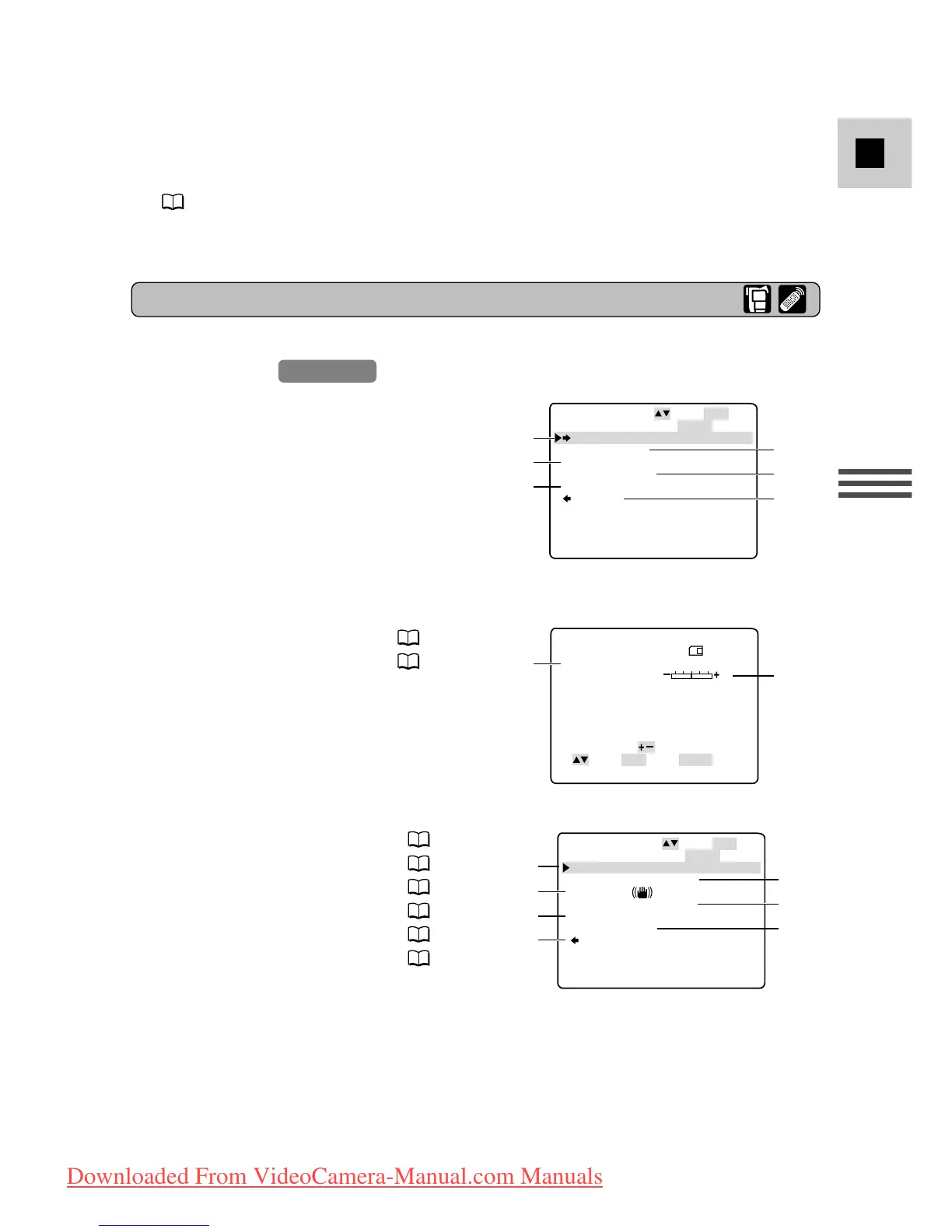
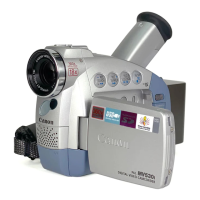
q To card mix submenu
w To camera set up submenu
e To VCR set up submenu
r To display set up submenu
t To system menu
y Close main menu
q Card mix submenu
q Mix type.............................. 136
w Mix level............................. 136
w Camera set up submenu
e Shutter speed......................... 74
r Digital zoom ......................... 23
t Image stabilizer..................... 56
y 16:9 effect ............................. 21
u White balance ....................... 77
i Self-Timer ............................. 71
o Return
List of Menus
• Pressing the start/stop button or the PHOTO button will close the menu and
start recording.
• You can display the menus on a connected TV screen by turning TV SCREEN
( 160) on through the menu or using the wireless controller’s TV SCREEN
button. See p. 32 for TV connecting instructions.
Downloaded From VideoCamera-Manual.com Manuals


 To Next Page