EasyManua.ls Logo

Canon MV6iMC - Finding Your Way Around the Mv6 I MC

Canon MV6iMC
171 pages
Print Icon
To Next Page IconTo Next Page
To Previous Page IconTo Previous Page
Loading...
9
E
Mastering
the Basics
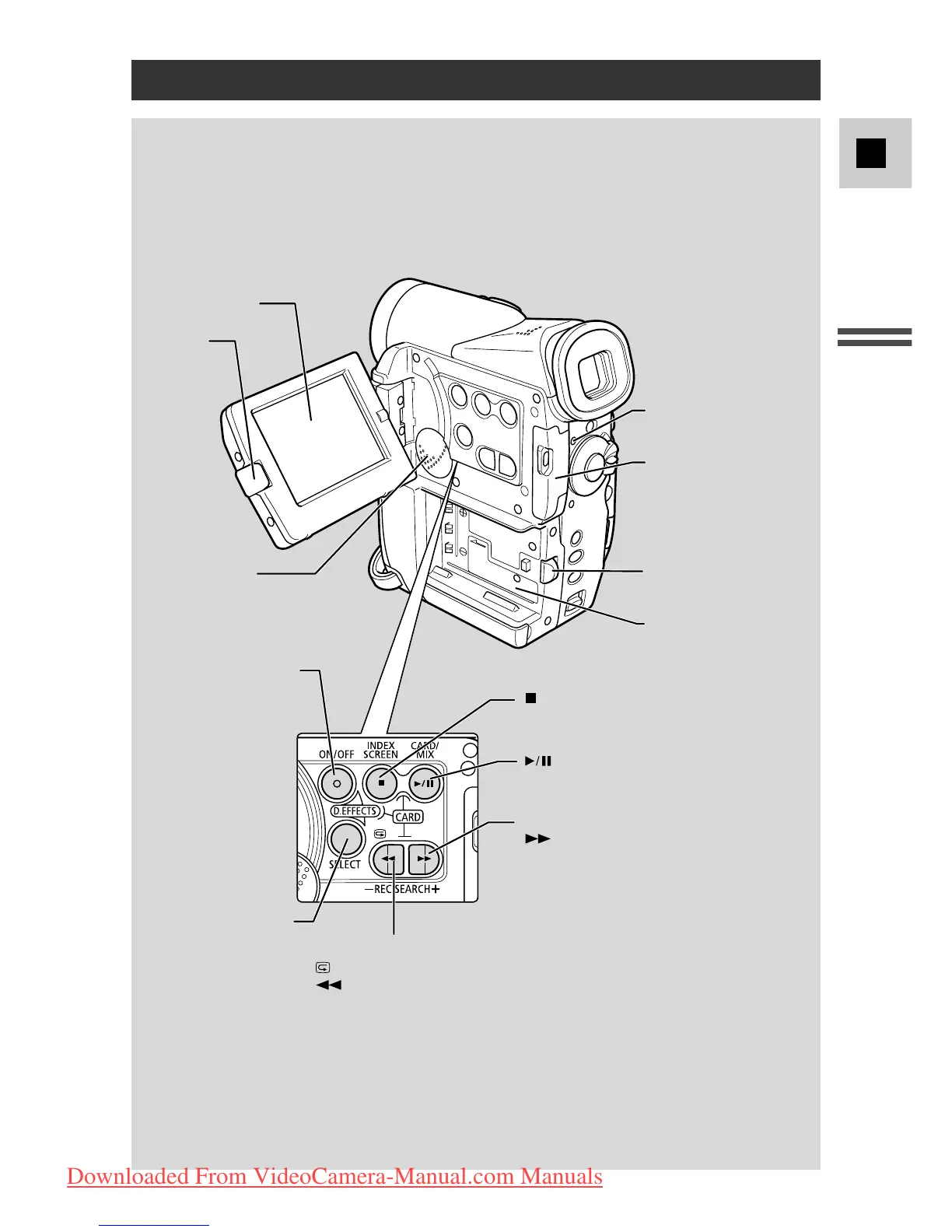
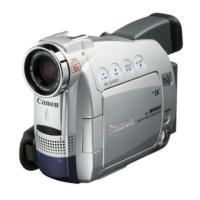
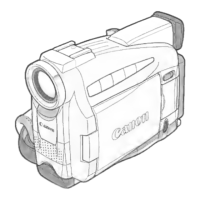
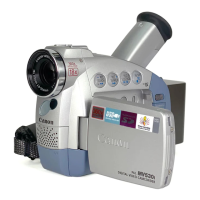
Finding Your Way Around the MV6i MC
Speaker (p. 31)
LCD screen (p. 25)
BATT. (battery) RELEASE
button (p. 15)
Memory card
compartment cover
(p. 102)
Battery attachment unit
(p. 15)
LCD panel
OPEN button
(p. 25)
D.EFFECTS SELECT
button (p. 65)
D.EFFECTS ON/OFF
button (p. 65)
Card access indicator
(p. 102)
(stop) button (p. 28)/
INDEX SCREEN button (p. 119)
(play/pause) button (p. 28)/
CARD MIX
button (p. 137)
REC SEARCH +
button (p. 38)/
(fast forward) button (p. 28)/
CARD
+
button (p. 118)
REC (record) SEARCH –
button(p. 38)/
Record review button (p. 38)/
(rewind) button (p. 28)/
CARD
–
button (p. 118)
Downloaded From VideoCamera-Manual.com Manuals

Table of Contents