( 39)
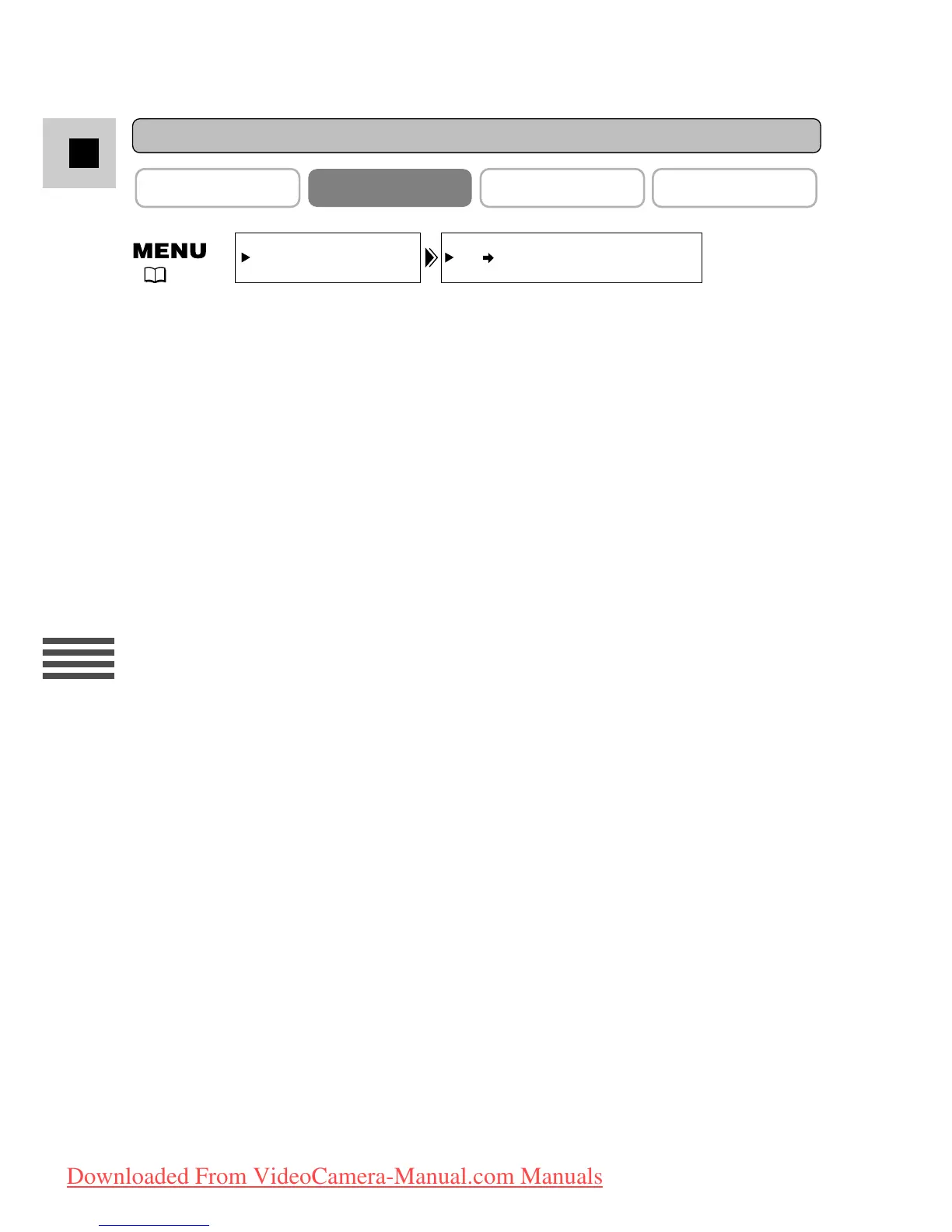
To turn the analog-digital converter on, open the menu and select
VCR SET UP. Then select AV \ DV OUT, set it to ON and close the
menu.
Cautions:
• For normal use, set AV
\\
DV OUT to OFF through the menu. If it is set to
ON, you cannot input digital signals through the camcorder’s DV terminal.
• When connecting to a PC equipped with a DV terminal, you may not be able to
transfer converted signals to your PC, depending on the software you are using,
and the specifications of your PC and its settings.


 To Next Page