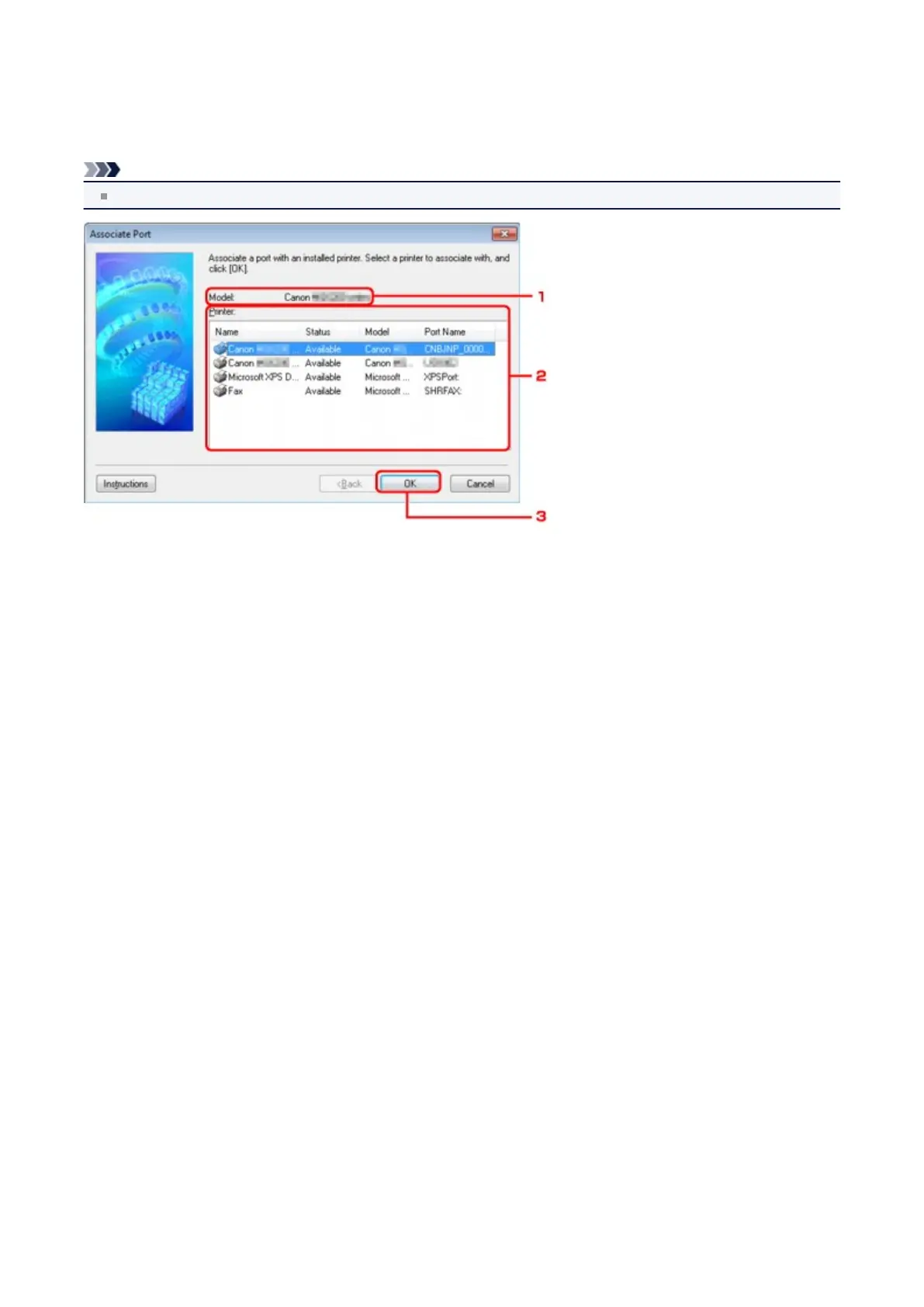
Associate Port Screen
Allows you to associate a created port with a printer driver.
Select the printer for which you want to change the association, then click OK.
Note
You cannot print with the printer unless the printer driver is associated with the port.
1. Model:
Displays the name of device specified as a destination port.
It is blank if the name of device is not detected.
2.
Printer:
Displays the printer driver installed in the computer.
Select the printer for which you want to change the association.
3. OK
Performs association.
187















 To Next Page