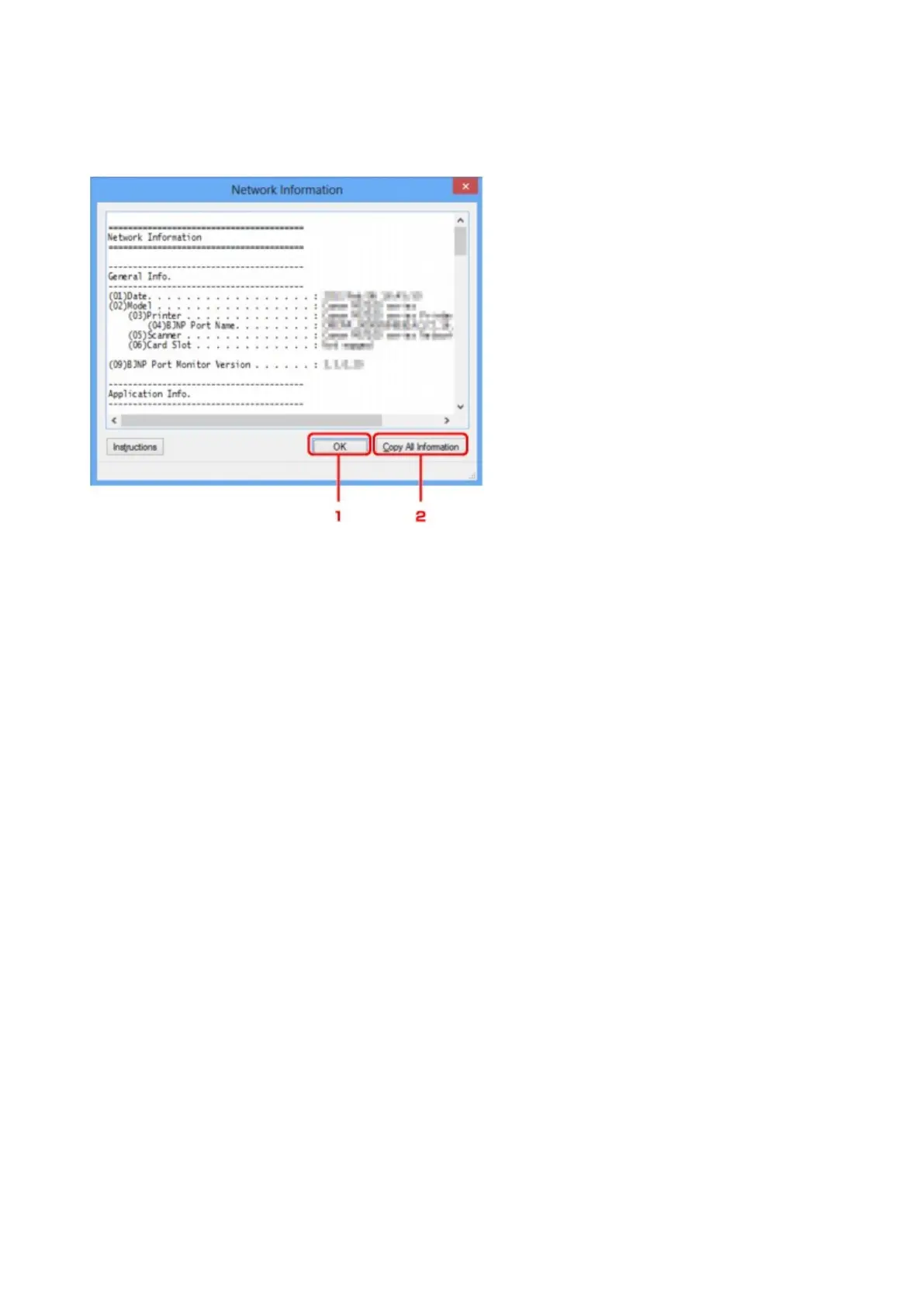
Network Information Screen
Displays the network information that is set for the printers and the computers.
To display the Network Information screen, select Network Information from the View menu.
1.
OK
Returns to the Canon IJ Network Tool screen.
2.
Copy All Information
All network information displayed is copied to the clipboard.
285









 To Next Page