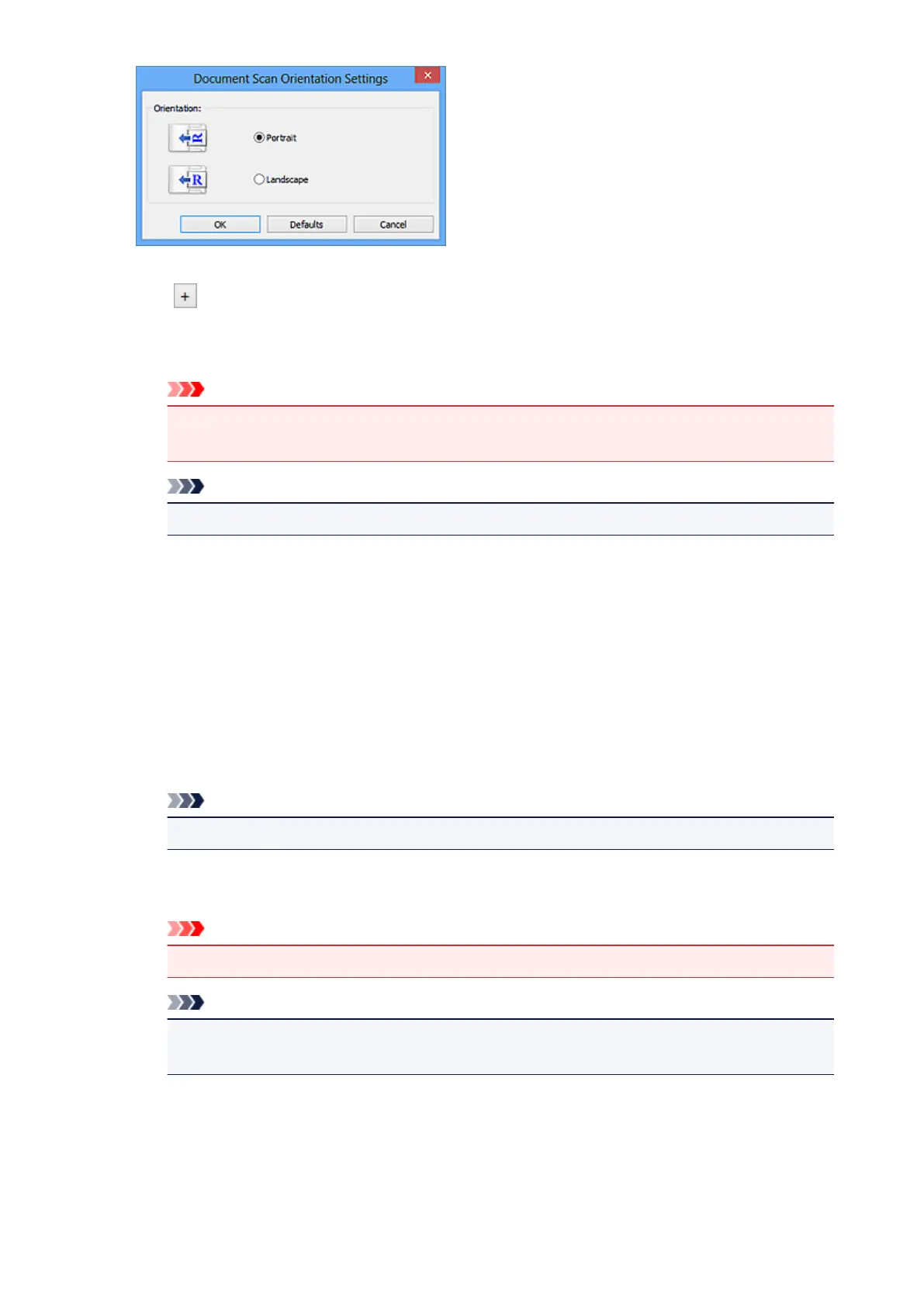
Image Processing Settings
Click (Plus) to set the following.
Apply Auto Document Fix
Select this checkbox to sharpen text in a document or magazine for better readability.
Important
• The color tone may differ from the source image due to corrections. In that case, deselect
the checkbox and scan.
Note
• Scanning takes longer than usual when you enable this function.
Sharpen outline
Emphasizes the outline of the subjects to sharpen the image.
Reduce show-through
Sharpens text in an item or reduces show-through in newspapers, etc.
Reduce moire
Reduces moire patterns.
Printed materials are displayed as a collection of fine dots. "Moire" is a phenomenon where
uneven gradation or a stripe pattern appears when such photos or pictures printed with fine dots
are scanned.
Note
• Scanning takes longer than usual when you enable Reduce moire.
Reduce gutter shadow (platen)
Reduces gutter shadows that appear between pages when scanning open booklets.
Important
• This function is available only when scanning from the platen.
Note
• When you enable this function, scanning may take longer than usual with network
connection.
Correct slanted text document
Detects the scanned text and corrects the angle (within -0.1 to -10 degrees or +0.1 to +10
degrees) of the document.
547




 To Next Page