Table of
Contents
Chapter 1
What is
ZoomBrowser EX?
Chapter 2
Downloading and
Printing Images
Chapter 3
What You Can Do with
a Camera Connected
Chapter 4
Viewing Images
Chapter 5
Organizing Images
Chapter 6
Using Supplementary
Features
Appendices Index
ZoomBrowser EX Software User Guide 14
Back Next
Downloading Images to a Computer (3/8)
○○○○○○○○○○○○○○○○○○○○○○○○○○○○○○○○○○○○○○○○○○
REFERENCE
• If the Scanners and Cameras Wizard displays, close it and use
the icon method to start ZoomBrowser EX.
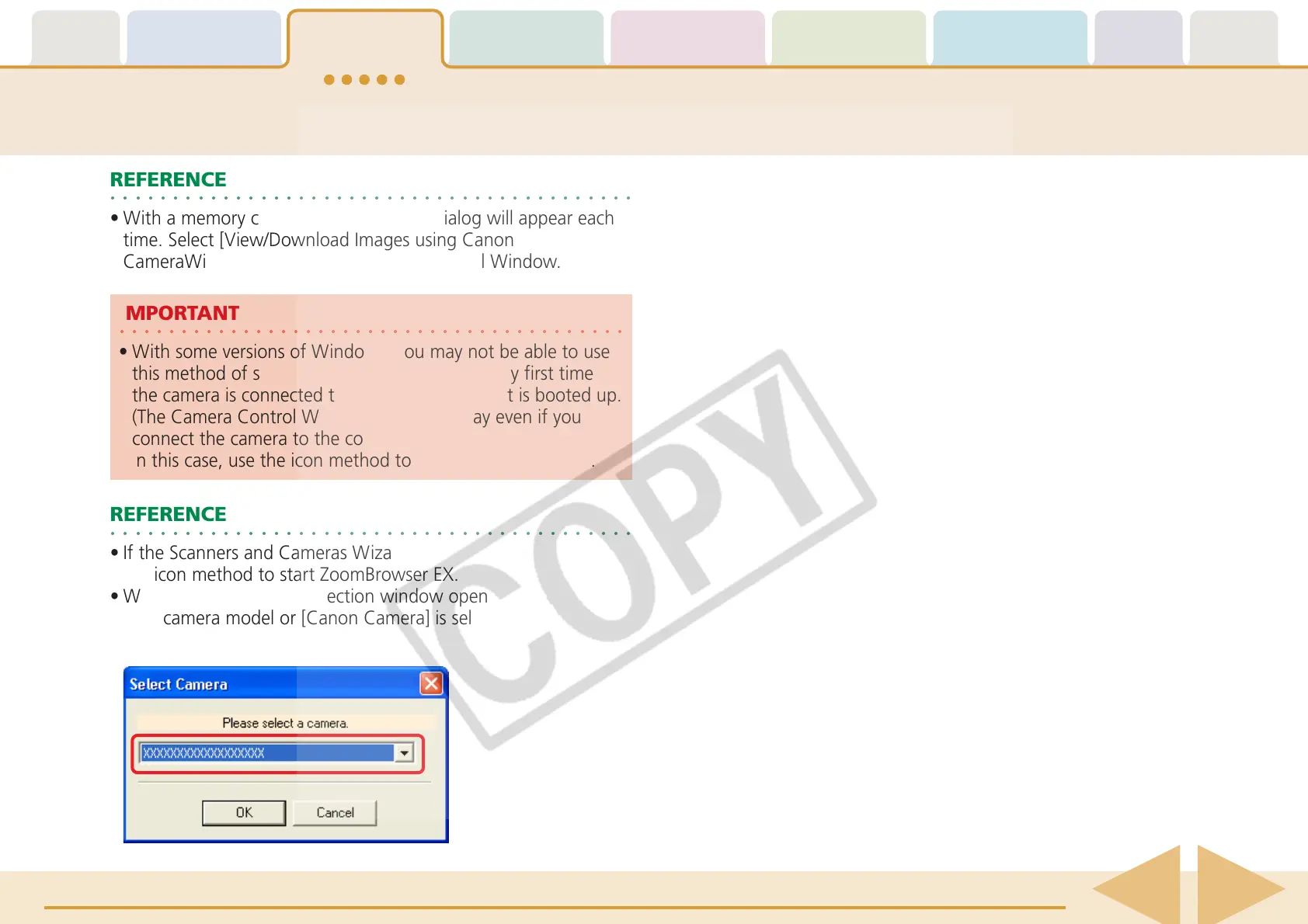
• When a camera model selection window opens, confirm that
your camera model or [Canon Camera] is selected and click
[OK].
○○○○○○○○○○○○○○○○○○○○○○○○○○○○○○○○○○○○○○○○○
IMPORTANT
•With some versions of Windows, you may not be able to use
this method of starting ZoomBrowser EX the very first time
the camera is connected to the computer after it is booted up.
(The Camera Control Window will not display even if you
connect the camera to the computer correctly.)
In this case, use the icon method to start ZoomBrowser EX.
○○○○○○○○○○○○○○○○○○○○○○○○○○○○○○○○○○○○○○○○○○
REFERENCE
•With a memory card reader, the Events dialog will appear each
time. Select [View/Download Images using Canon
CameraWindow] to open the Camera Control Window.














 To Next Page