Network Protocol Settings
2-6
Using the Wireless LAN Board in a Network
2
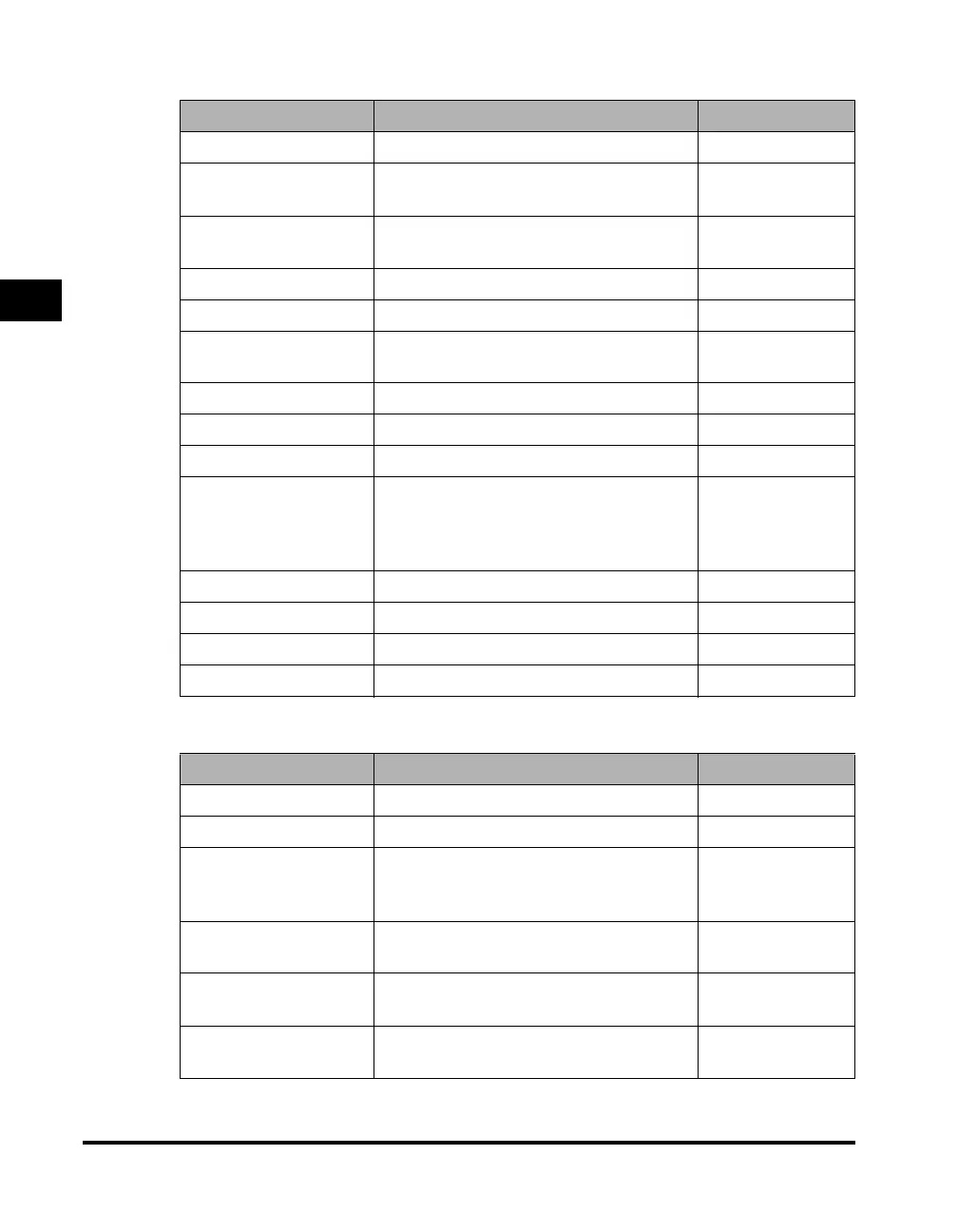
■ NetWare Settings
■ AppleTalk Settings
Item Setting Description Default Setting
NetWare On/Off Off
Frame Type
Auto Detect/Ethernet II/Ethernet 802.2/
Ethernet 802.3/Ethernet SNAP
Auto Detect
IPX External Network
Number
Auto Set, display only -
Node Number Auto Set, display only -
Packet Signature Auto Set, display only -
Print Service
Bindery PServer/RPrinter/NDS PServer/
NPrinter
NDS PServer
Print Server Print server (47 Characters maximum) (NULL)
Tree Tree (32 Characters maximum) (NULL)
Context Context (256 Characters maximum) (NULL)
Service Mode
Service only currently mounted form/
Change forms as needed/Minimize form
changes across print queues/Minimize
form changes within print queues
Minimize form
changes within
print queues
Printer Number Printer number 0
Polling Interval Polling interval 5
Printer Form Printer form 0
Buffer Size Buffer size 20
Item Setting Description Default Setting
AppleTalk On/Off Off
Phase Phase 2 (fixed) -
Service Name
Name of the machine displayed on the
printer screen of the Macintosh
(32 characters maximum)
Model name
Zone
Name of the zone set in the network
environment (32 characters maximum)
*
PS Print Processing:
Spool
On/Off On
PS Print Processing:
Direct
On/Off On



 To Next Page