Confirming the Wireless LAN Channel
4-5
Appendix
4
Confirming the Wireless LAN Channel
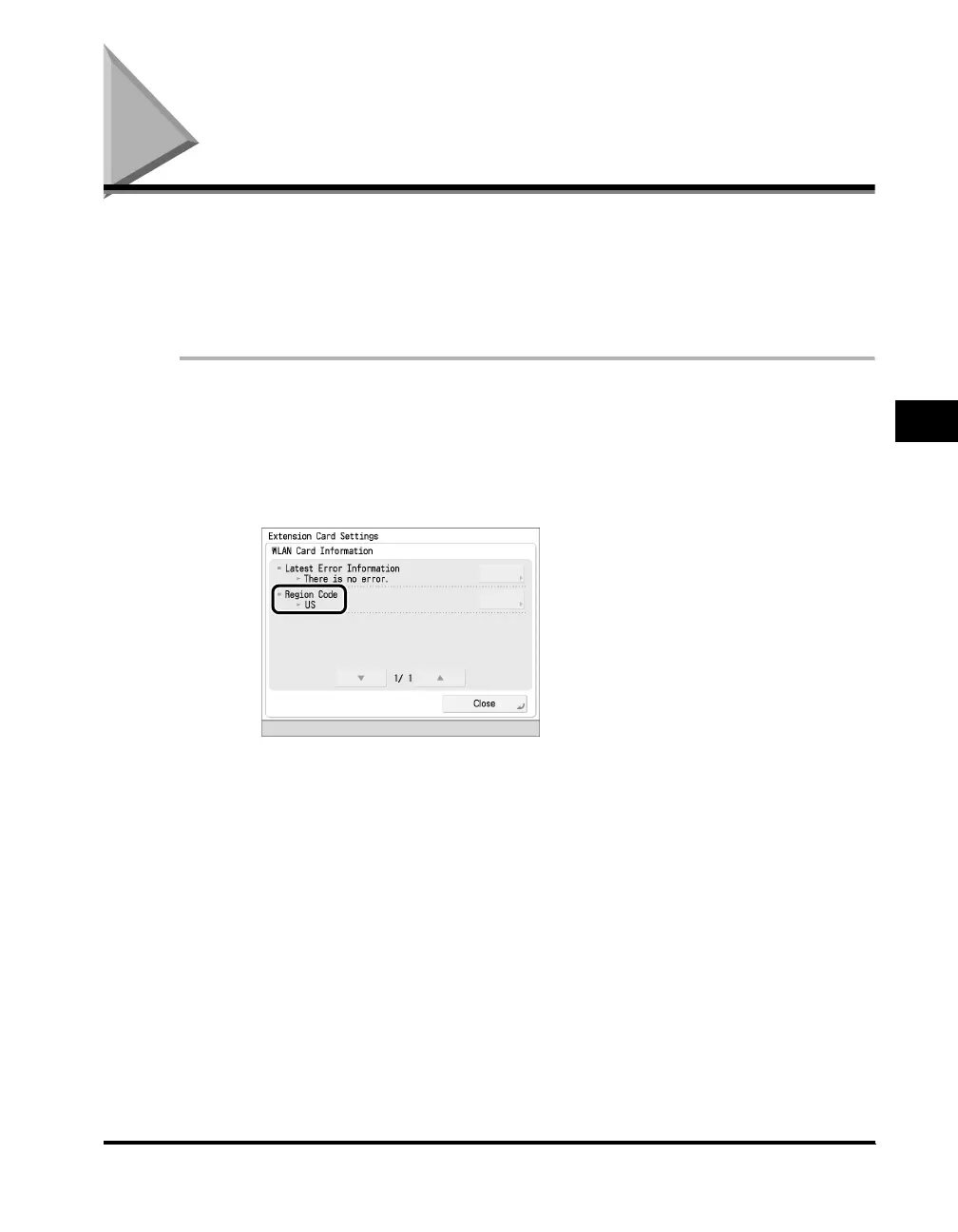
The wireless channels you can use with the Wireless LAN Board are fixed for the
country/region it is used in. When using the Wireless LAN Board in the U.S.A.,
channels 1 to 11 can be used, and the region is displayed as 'US'. In the UK and
other countries/regions, channels 1 to 13 can be used, and the region is displayed
as 'JP, AT'. This section describes the procedure for confirming the region.
1
Press [WLAN Card Information] on the Extension Card
Settings screen.
2
Confirm the code displayed under [Region Code].



 To Next Page