Erasing the Security Settings
4-7
Appendix
4
Erasing the Security Settings
This section describes the procedure for erasing the settings of the Wireless LAN
Board. Use this procedure to delete the security information before disposing of the
Wireless LAN Board. If you perform this procedure, the current wireless LAN
connection will be lost.
NOTE
These settings are enabled after the machine is restarted. For information on restarting
the machine, see the manual included with the machine.
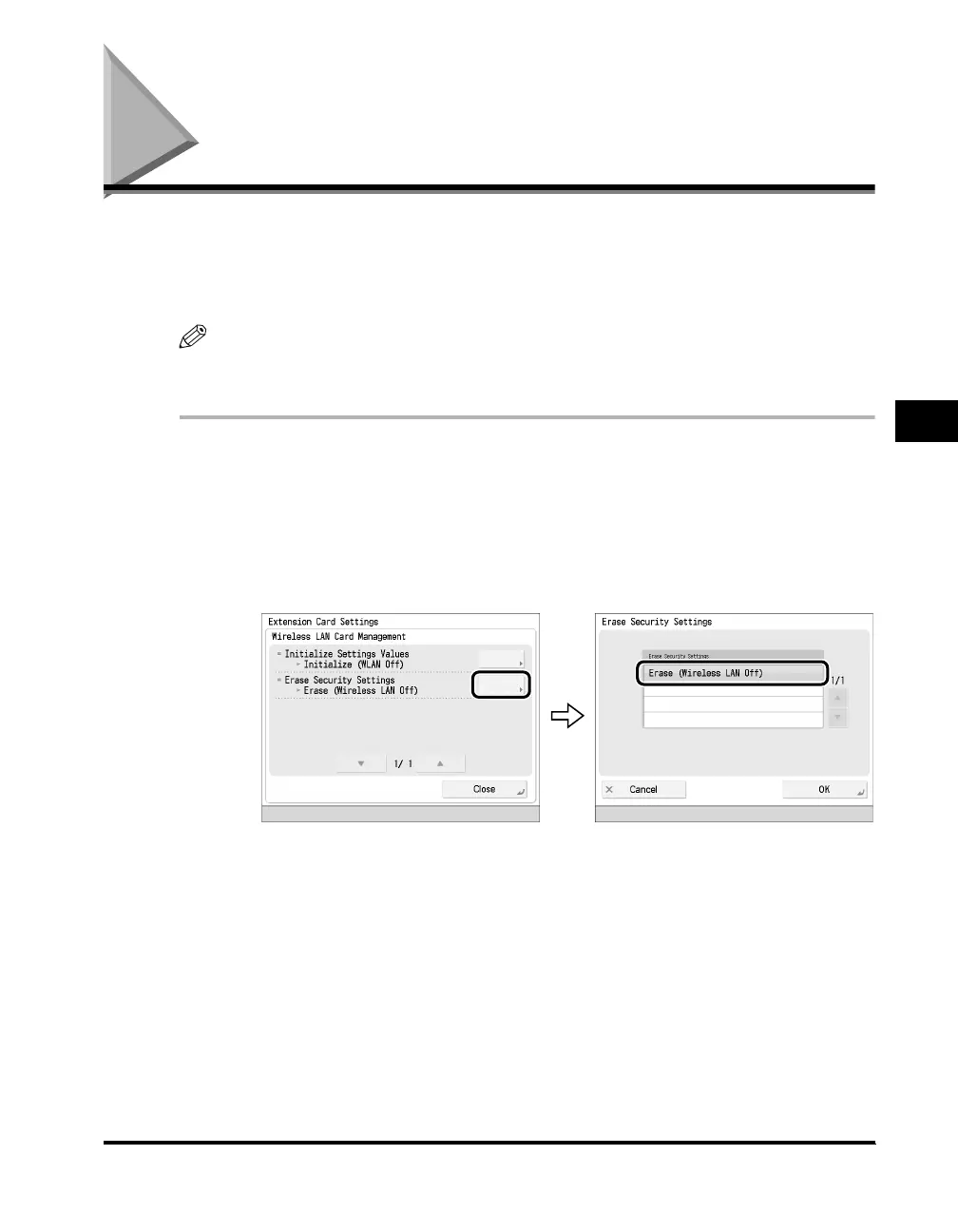
1
Press [Wireless LAN Card Management] on the Extension
Card Settings screen.
2
Press [Erase Security Settings] ➞ select [Erase (Wireless LAN
Off)].



 To Next Page