Network Connection and Printing Troubleshooting
3-7
Troubleshooting
3
Error Messages
Display the error messages to confirm the content of errors.
Displaying Error Messages
1
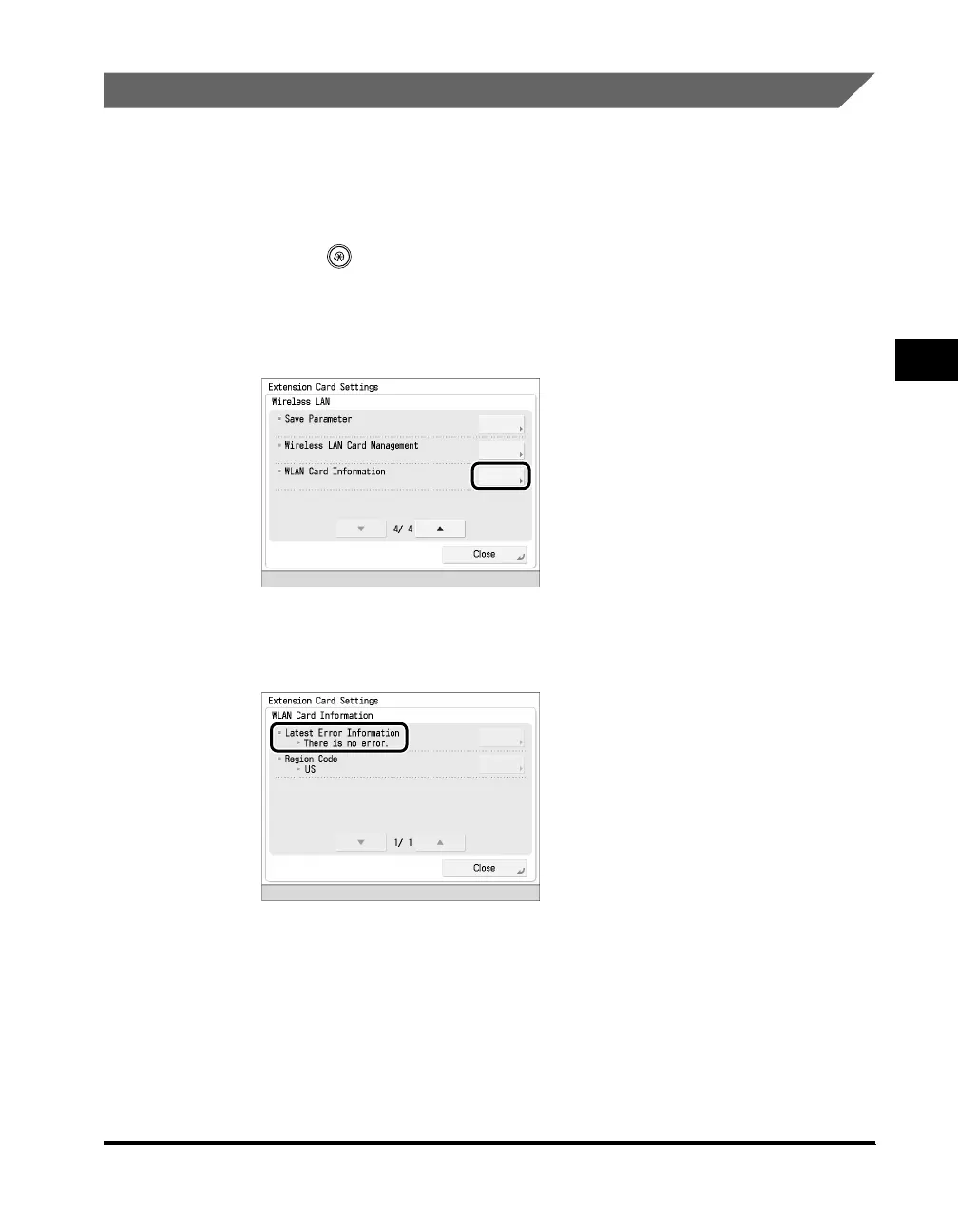
Press (Settings/Registration) ➞ [Preferences] ➞ [External
Interface] ➞ [Extension Card Settings].
2
Press [WLAN Card Information].
3
Confirm the latest error message displayed in [Latest Error
Information].



 To Next Page