Emergency Startup Mode
4-13
Appendix
4
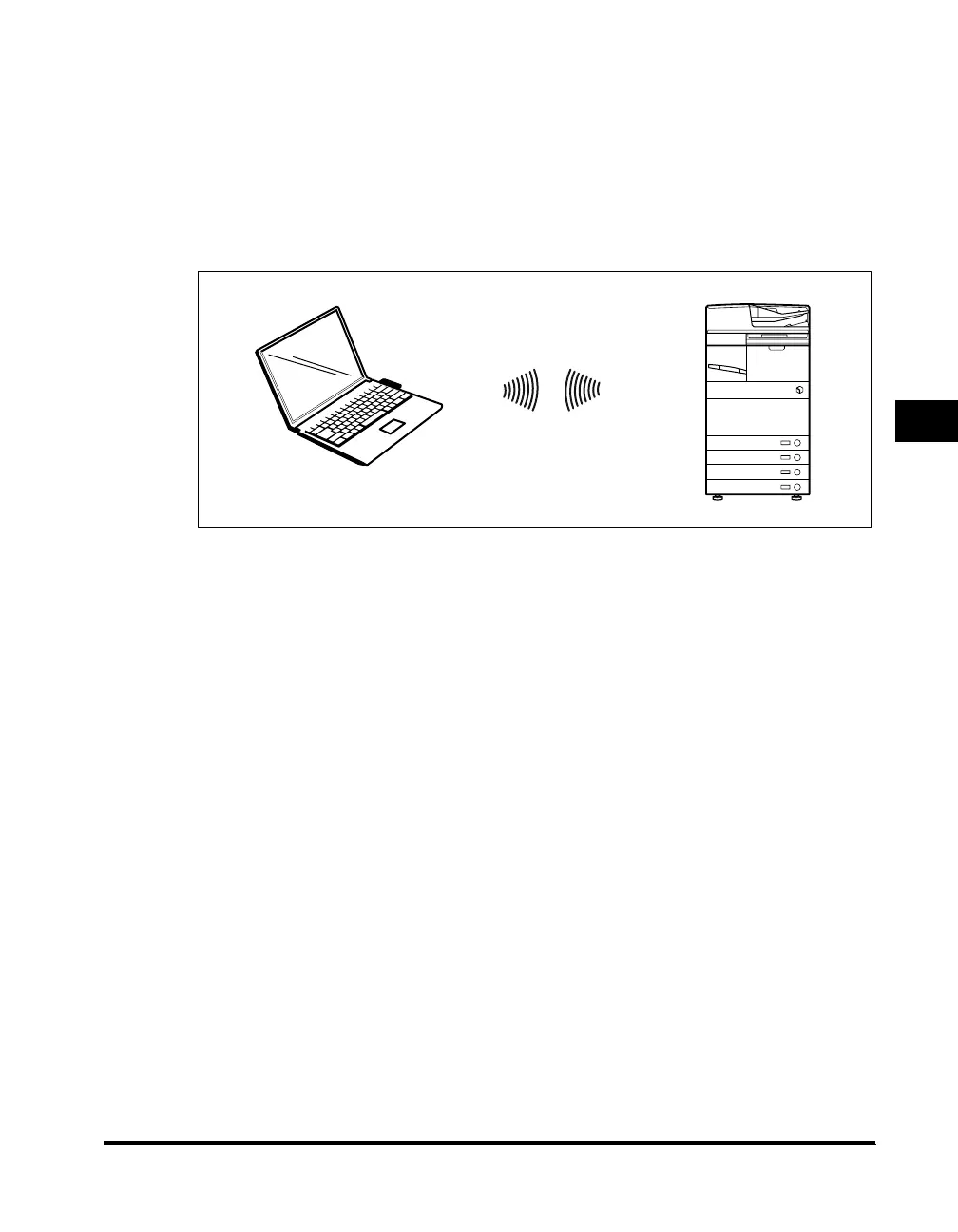
■ Adhoc Mode
When the product switches to Adhoc Mode communication, it communicates without
passing through an access point. Do not use the Adhoc Mode when a computer and the
machine can be connected using a LAN cable.
If necessary, specify the channel by pressing [!Wireless LAN Settings] ➞ [!Basic Settings]
➞ [!Channel] on the control panel of the machine. After specifying the channel, make sure
to follow the procedure in "Enabling the Settings," on p. 2-31 to save the settings. If you do
not save the settings, the specified channel is not enabled.



 To Next Page