Security Settings
2-17
Using the Wireless LAN Board in a Network
2
IMPORTANT
The following types of wireless LAN card certificates can be used:
- File size 64 KB or less
- DER format (binary format) or PEM format (format with DER format data encoded in
Base64)
- X.509 certificate version 3 or PKCS#7 format certificate that contains an X.509
certificate
- Not expired
1
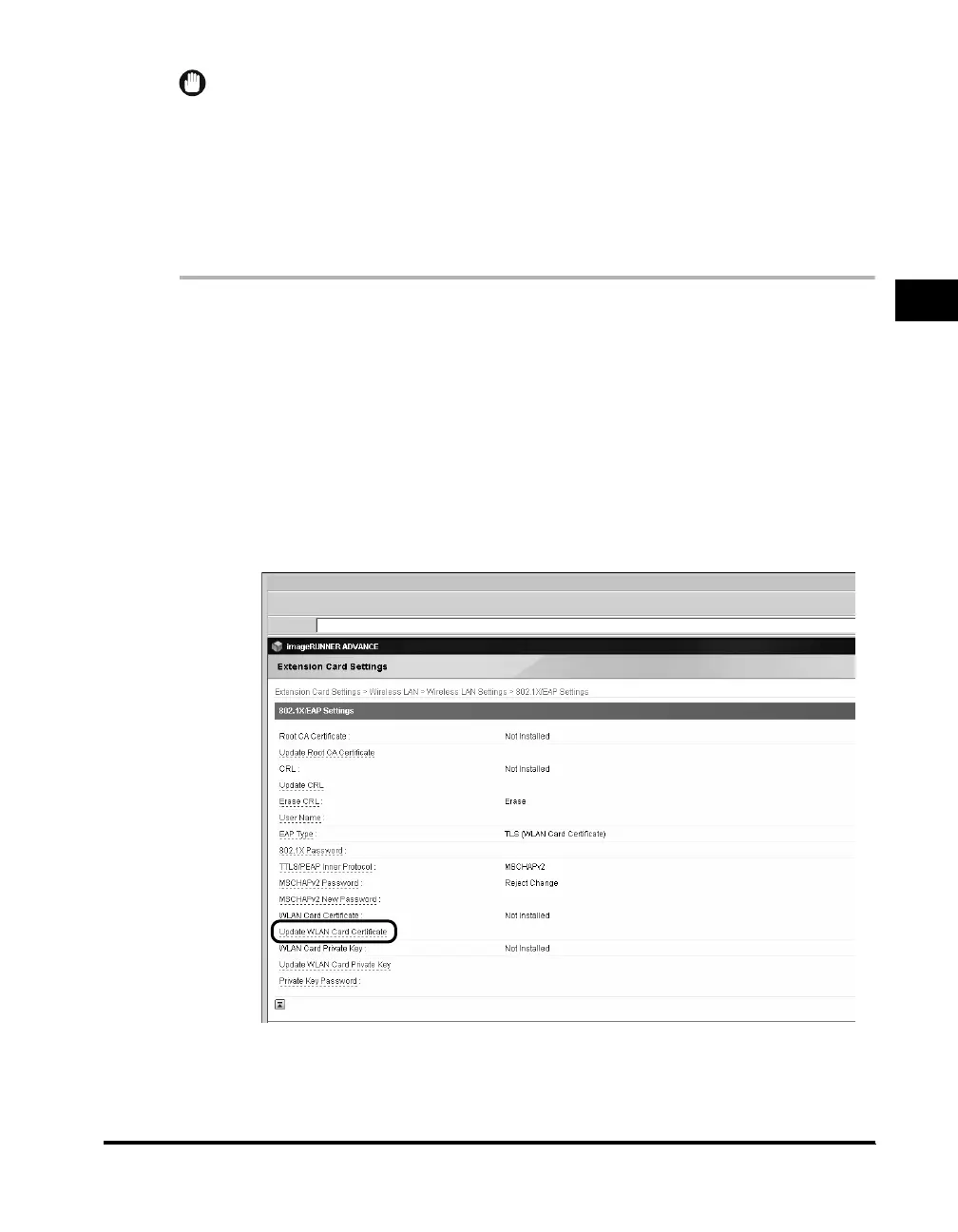
Click [Settings/Registration] ➞ select [External Interface]
under <Preferences> ➞ click [Extension Card Settings] ➞
[Wireless LAN] ➞ [Wireless LAN Settings] ➞ [802.1X/EAP
Settings].
If the System Manager ID and password have been set, a dialog box prompting
you to enter the System Manager ID and password appears. Enter the System
Manager ID and password ➞ click [OK].
2
Click [Update WLAN Card Certificate].



 To Next Page