vii
Displays Used in This Manual
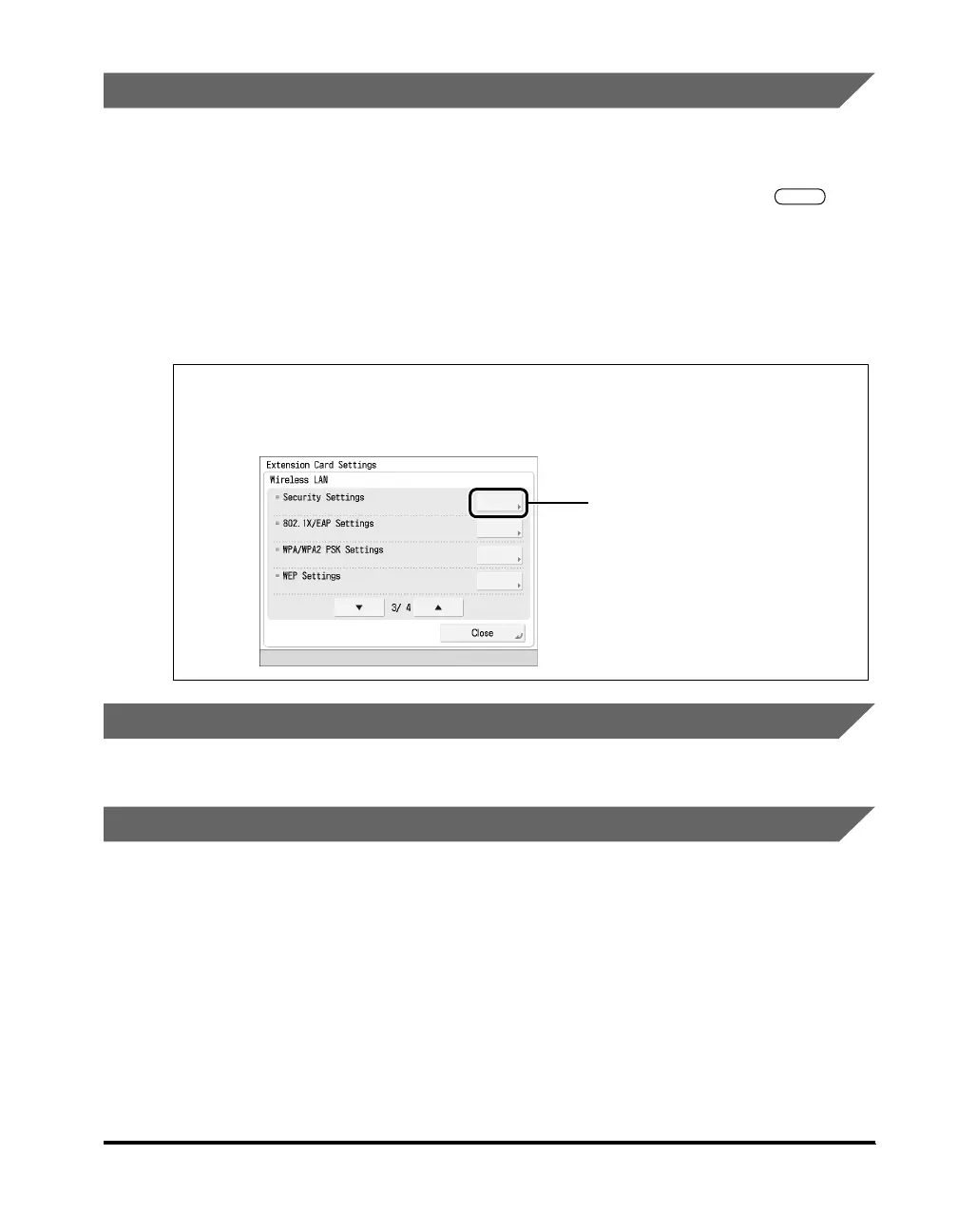
Screen shots of the touch panel display used in this manual have been taken from
an MFP.
The keys or buttons which you should click or press are marked with a , as
shown below.
When multiple buttons or keys can be clicked or pressed, they will be highlighted
and mentioned in the order in which they should be clicked or pressed.
Screen shots used in this manual may differ from the ones you actually see,
according to the model of the machine you are using.
Illustrations Used in This Manual
The shape of the machine may differ according to the model you are using.
Abbreviations Used in This Manual
In this manual, product names and model names are abbreviated as follows:
Microsoft Windows 2000 operating system: Windows 2000
Microsoft Windows XP operating system: Windows XP
Microsoft Windows Server 2003 operating system: Windows Server 2003
Microsoft Windows Server 2008 operating system: Windows Server 2008
Microsoft Windows Vista operating system: Windows Vista
Microsoft Windows operating system: Windows
Wireless LAN Board-B2: Wireless LAN Board
1
Press [Security Settings] on the Extension Card Settings
screen.
Press this key for operation.



 To Next Page