22
English
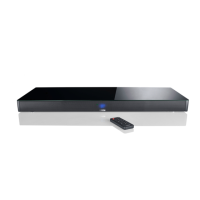
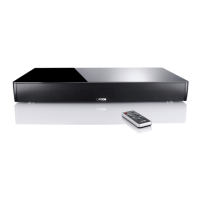
Wireless connection with Smart Soundbox:
Note:
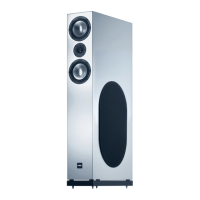
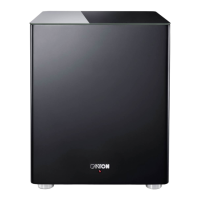
• Before connecting the Smart Sub 12 to the Smart Soundbox, please
make sure that the (new) Smart Sub 12 to be paired is not connected to the
power supply.
1
Turn on the Smart Soundbox using the „Power“ button. Press and hold the
input select button „ “ for at least 3 seconds, until [SPS] „Speaker Setup“ is
indicated.
2
Use the „+“ or „-“ button to navigate to the menu [WIS] Wireless Setup and
press the „ “ Play/Pause button to confirm.
3
Select the item [WSP] „Wireless Pairing“ using the „+“ or „-“ button and
confirm with the Play/Pause button „ “.
4
The menu [WSP] „Wireless Pairing“ is entered and [MFL] „Master Front Left“
appears on the display.
5
Press the Play/Pause button „ “.
6
Use the „+“ or „-“ button to select the item [SUB] „Sub“ for subwoofer.
7
Press the Play/Pause button „ “. The status indication changes to [PIR]
„Pairing“.
8
Now, connect the Smart Sub 12 you want to pair to the mains.
9
Approximately 10 - 20 seconds after the subwoofer is connected to the mains
the status changes to [CON]„connected“. Now, the pairing process is com-
pleted and Soundbox and Smart Sub 12 are connected. Press the input
select button „ “ repeatedly or wait 30 seconds to exit the menu.






 To Next Page