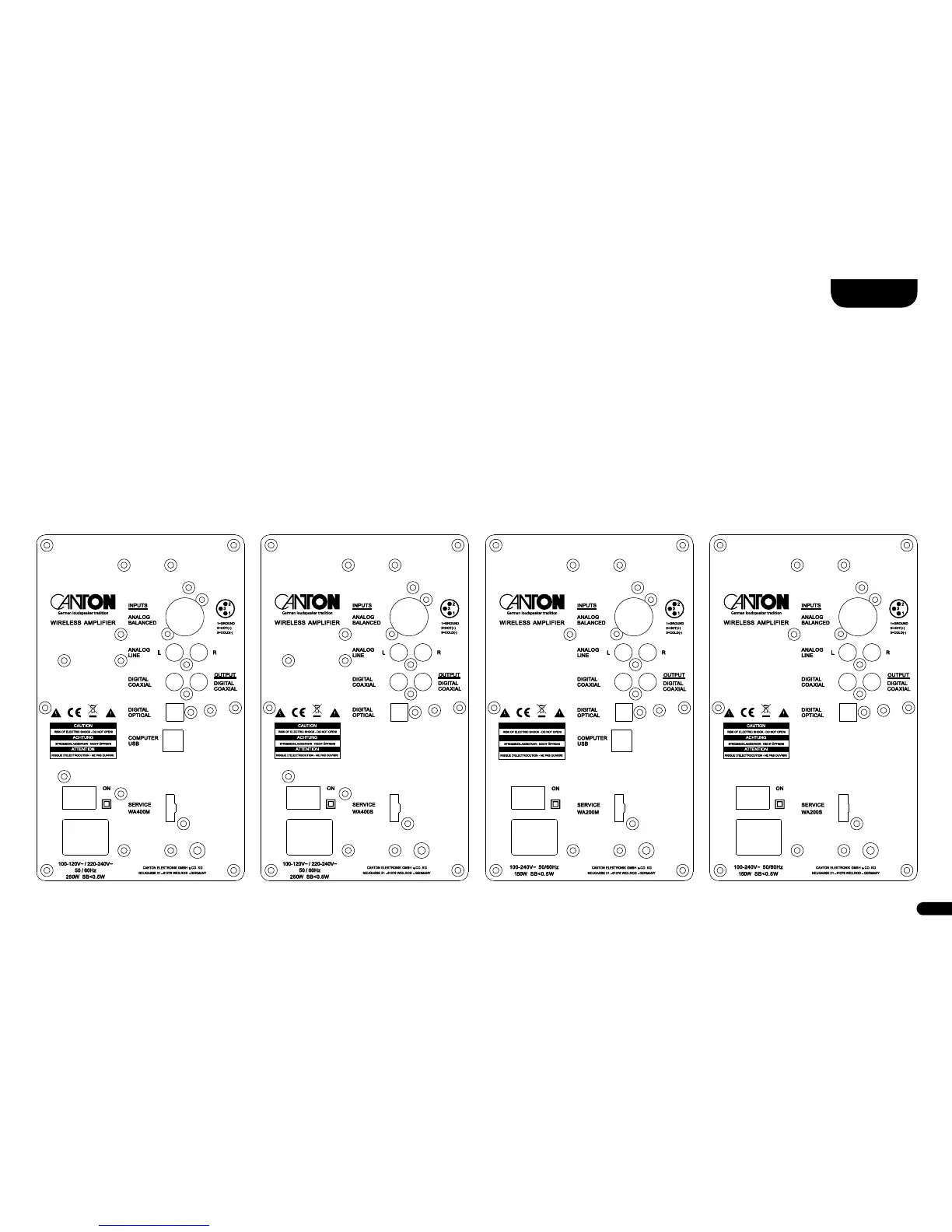
Connection
Smart Vento 9 Master Smart Vento 3 MasterSmart Vento 9 Slave Smart Vento 3 Slave
Note: This function is only possible in stereo mode or in a multi-channel setup between the two front speakers (FL and FR)�
Surround speakers cannot be controlled via cable connection�
Mains cable: Do not connect the mains cable until all signal cables are connected�
Note:
When delivered, the physically available inputs are already provided with a “source designation”� These are as follows:
Analog Balanced = XLR, Analog Line = AUX, Digital Coaxial = DVD, Digital Optical = TV, Computer USB = PC, Bluetooth
®
= BT� You can adapt
the name assigned to an input to the corresponding source device if you wish� See chapter Configuration of the inputs on Page 74�



 To Next Page