Playback via Bluetooth
®
wireless technology
Requirements for the mating process
– The Bluetooth
®
function must be activated
on the mobile end device�
– The mobile end device must support at
least Bluetooth
®
Standard 2�0�
– The mobile end device must be within range
of the speaker system (max� 10 m)�
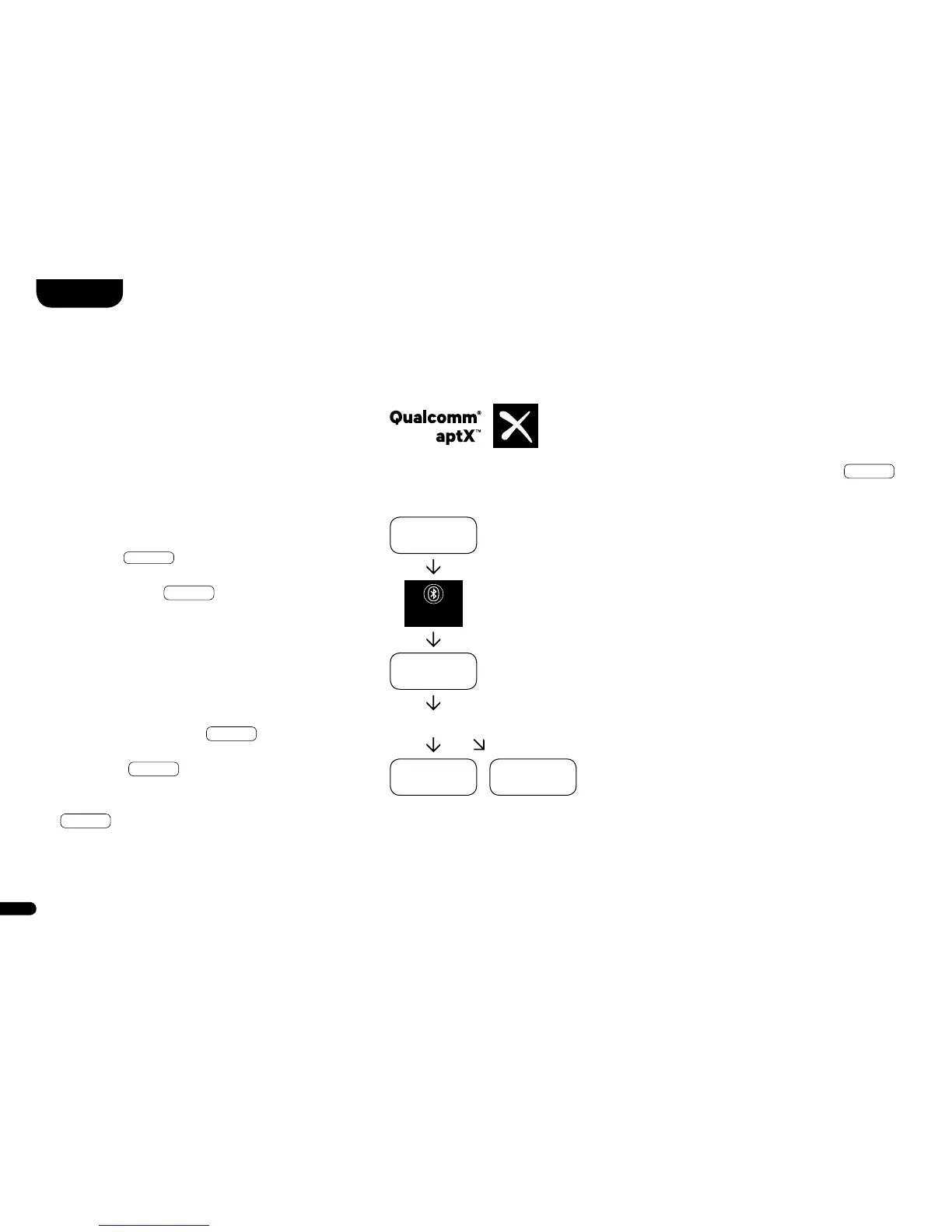
Mating process
– Select input
BT
�
– Press the “Bluetooth
®
pairing” key�
– The display shows
BTP
�
– You now have 30 seconds to mate
your mobile end device�
– Start the search on your mobile end device.
– Select “Vento 9 / Vento 3” as the
playback device�
– The connection is established automatically
after confirmation and will be displayed on the
display with the message
CON
�
– If the connection fails, you will receive
the message
FAI
�
– If the mobile end device requires an
access code, enter 0000�
– If
DIS
is displayed, your mobile end
device is out of range or logged out�
Operation of a mobile end device
– The respective last device connected to the
speaker system automatically connects if
the Bluetooth
®
function is activated and the
input for Bluetooth
®
playback is selected� In
this case, you will receive the message
CON
�
– Start playing a media on your mobile end
device and the sound will automatically be
output by the speaker system�
Note:
The speaker system can manage up to
three Bluetooth
®
devices�
See also the chapter “Bluetooth
®
Input Selection (BTS)” on Page 80�
BLUETOOTH
PAIRING
BT
BTP
CON FAI
Smart Vento



 To Next Page