You can connect a computer to the COMPUTER USB (PC) input using a standard USB cable�
Your PC identifys the speaker as an external sound card and plays the sound of your computer like
an internal sound card� Depending on the operating system, the installation of a device driver might be necessary�
System requirements
Operating systems: Windows
®
7 and later (32 & 64 Bit); MAC
®
OS 10�6�4 and later
Hardware: min� USB 2�0
Install the USB driver
For MAC
®
computers from MAC
®
OS 10�6�4 onwards, no driver installation is required�
Note: This driver only supports playback of PCM signals up to 96kHz / 24bit�
Multi-channel signals such as Dolby
®
Digital or DTS
®
are not supported�
1
Download the driver to your computer from the Canton download site�
2
Using the Windows Explorer, navigate to the just-downloaded file
“XMOS-Stereo-USB-Audio-Class2-Driver-XXXX_vX�XX�X�zip” and unzip it�
For this purpose, an auxiliary program such as WinZip, WinRar or 7-Zip is needed�
3
Connect the master speaker to a USB port on your computer�
4
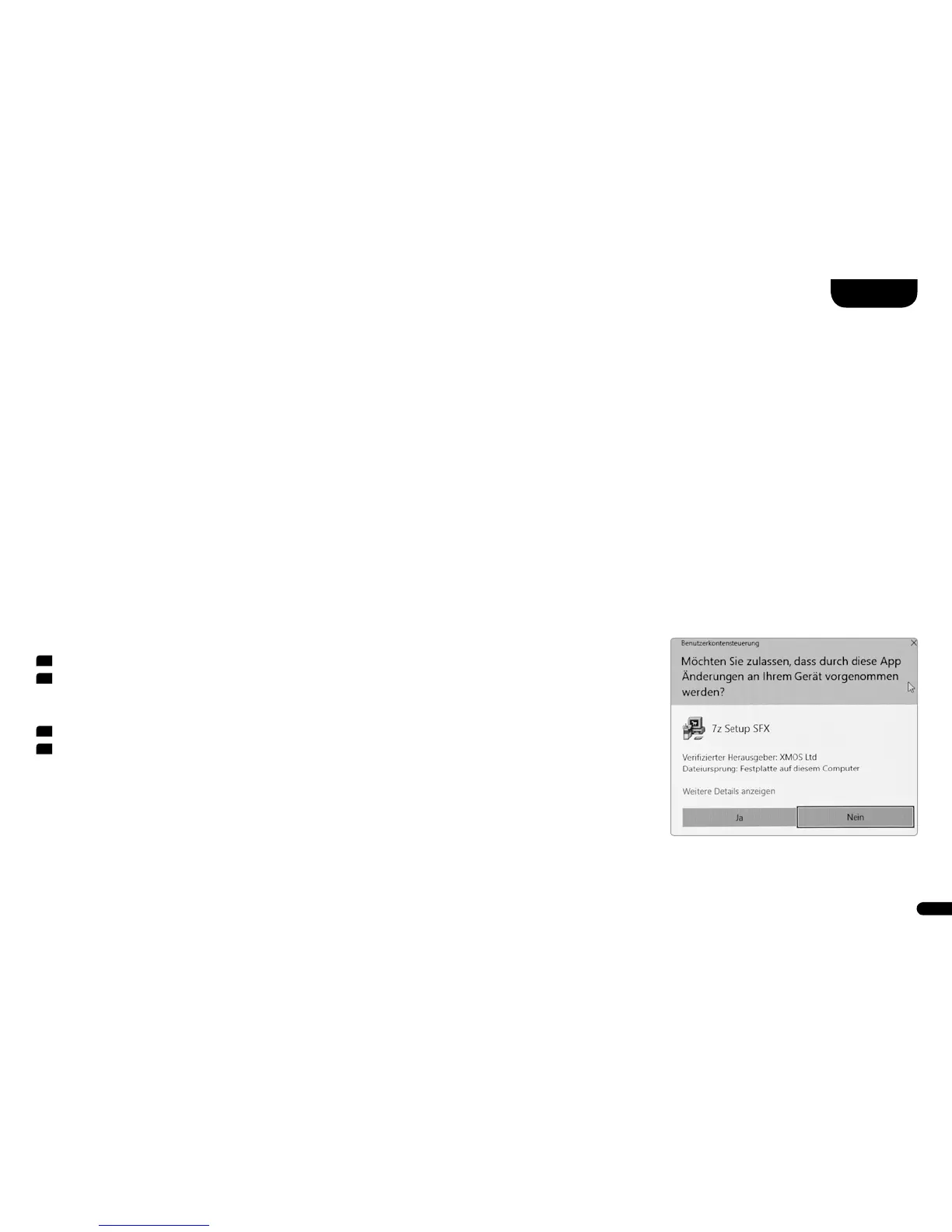
Now double-click on the file “XMOS-Stereo-USB-Audio-Class2-Driver-XXX_vX�XX�X�exe”
that has just been unzipped� Depending on the security settings of your computer,
you may need to give permission for the driver to make changes to your computer�
USB Playback



 To Next Page