4
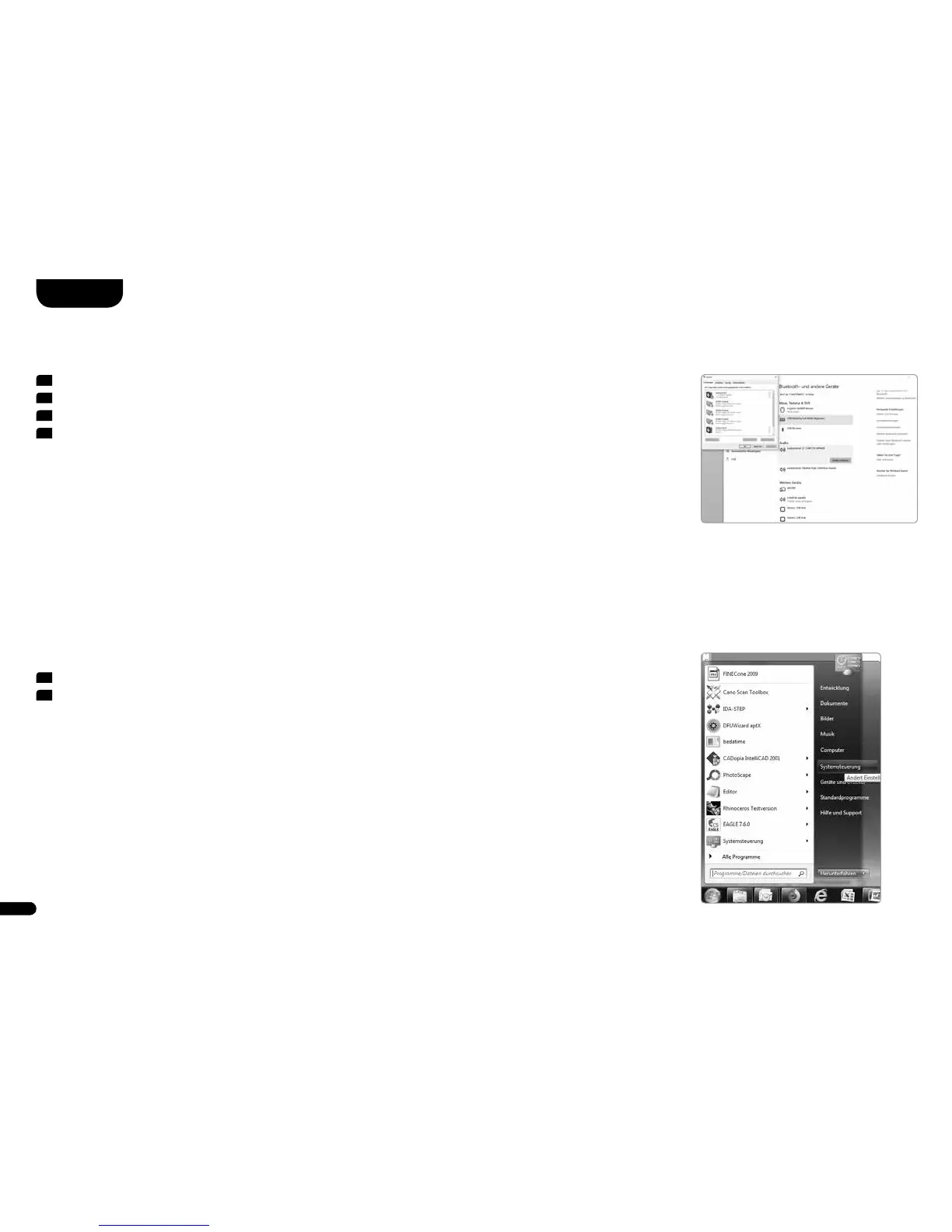
Now select the item Sound settings. See red box�
5
In the screen that opens, click on the Canton speaker.
6
Now select the item “By default”�
7
Confirm with OK.
Windows
®
7
1
Click the Windows Button, the following window opens�
2
Select Control Panel as shown on the right�
Configure the computer



 To Next Page