3560M-0704-040
3560M-0704-050
Inspection/Adding
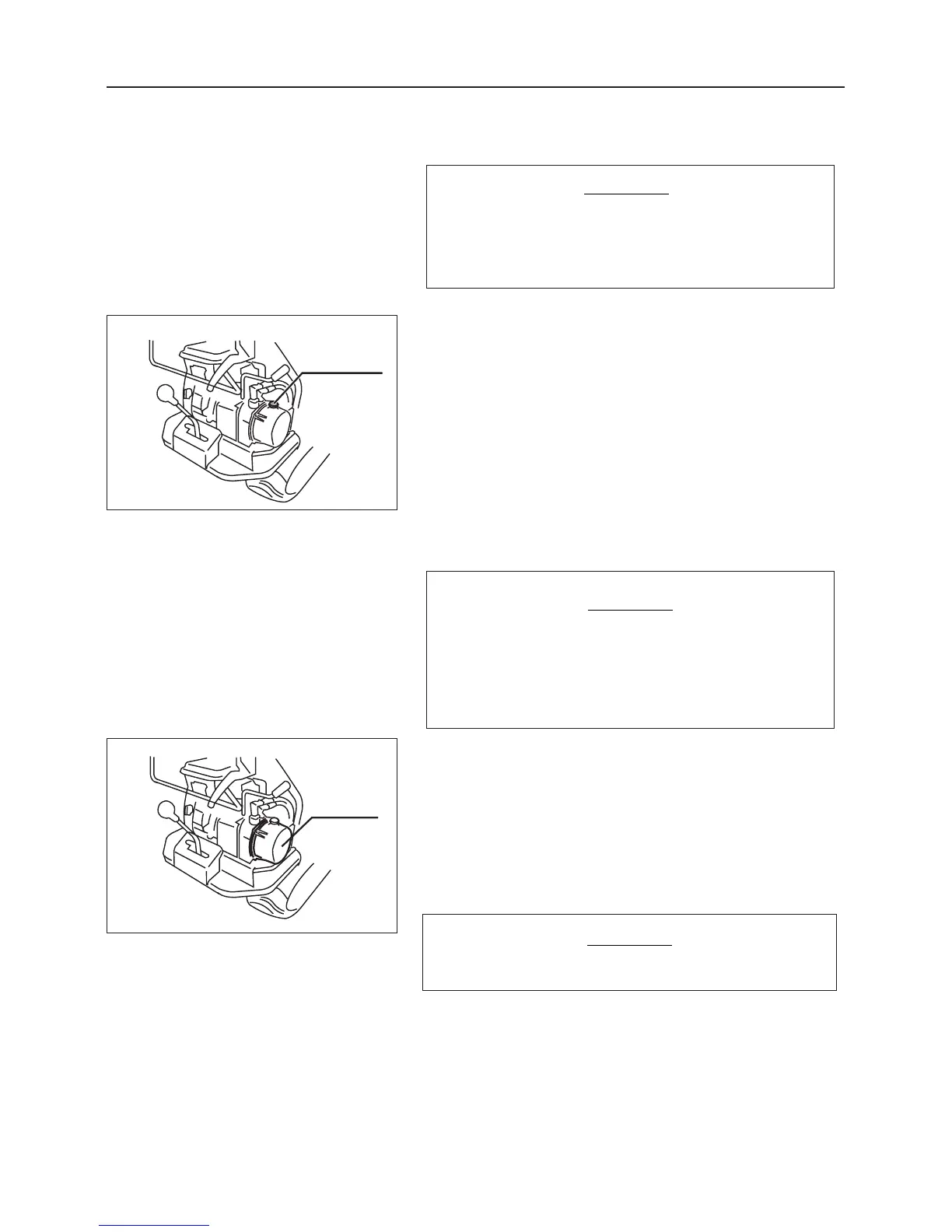
1. Remove the fluid filler cap.
2. Visually inspect the oil level. If oil is short, remove
the oil filler cap and replenish oil.
Fluid to use: See page 24.
3. Replace the fluid filler cap.
4. Start the engine to circulate the fluid
7.4.3 Hydraulic Pump Power Package Fluid
Low fluid levels may decrease dump perfor-
mance. Check the fluid level every 100
hours.
NOTICE
When the engine is first started and the bed
of the truck is raised after adding fluid, knock-
ing may occur due to entrapped air. To elimi-
nate knocking, repeat above steps 2 to 3
times.
3. Replace the oil tank.
4. Open the fluid filler cap, and pour in the fluid.
(See item "Inspection/Adding Fluid" above.)
Dispose of the drained fluid properly.
NOTICE
1. Prepare a suitable container to catch the drained fluid.
2. Remove the oil tank mounting bolts, dismount the oil
tank, and drain oil.
Changing



 To Next Page