
 Need help?
Do you have a question about the Canyon Badian SW68 and is the answer not in the manual?
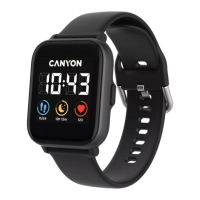
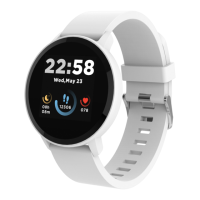
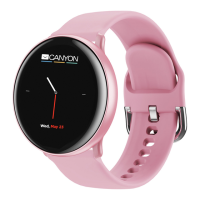
Details the smart watch's features, specifications, and package contents.
Instructions for charging, powering on/off, and connecting to the Canyon Life app.
Guide on how to select and set different watch faces on the device.
Explains menu navigation and access to features like Theater mode, vibration, and brightness.
Solutions for problems like the watch not turning on or smartphone connectivity issues.
Covers safety precautions, warranty terms, service life, and regulatory compliance.
 General
| Display Size | 1.3 inches |
|---|---|
| Bluetooth | Bluetooth 5.0 |
| Water Resistance | IP68 |
| Heart Rate Monitor | Yes |
| GPS | No |
| Battery Capacity | 180 mAh |
| Standby Time | Up to 15 days |
| Sensors | Heart rate, accelerometer |
| Resolution | 240 x 240 pixels |
| Compatibility | Android, iOS |



 To Next Page