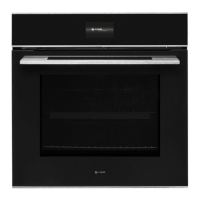
Instruction manual C2239
Please keep this instruction manual for future reference
17
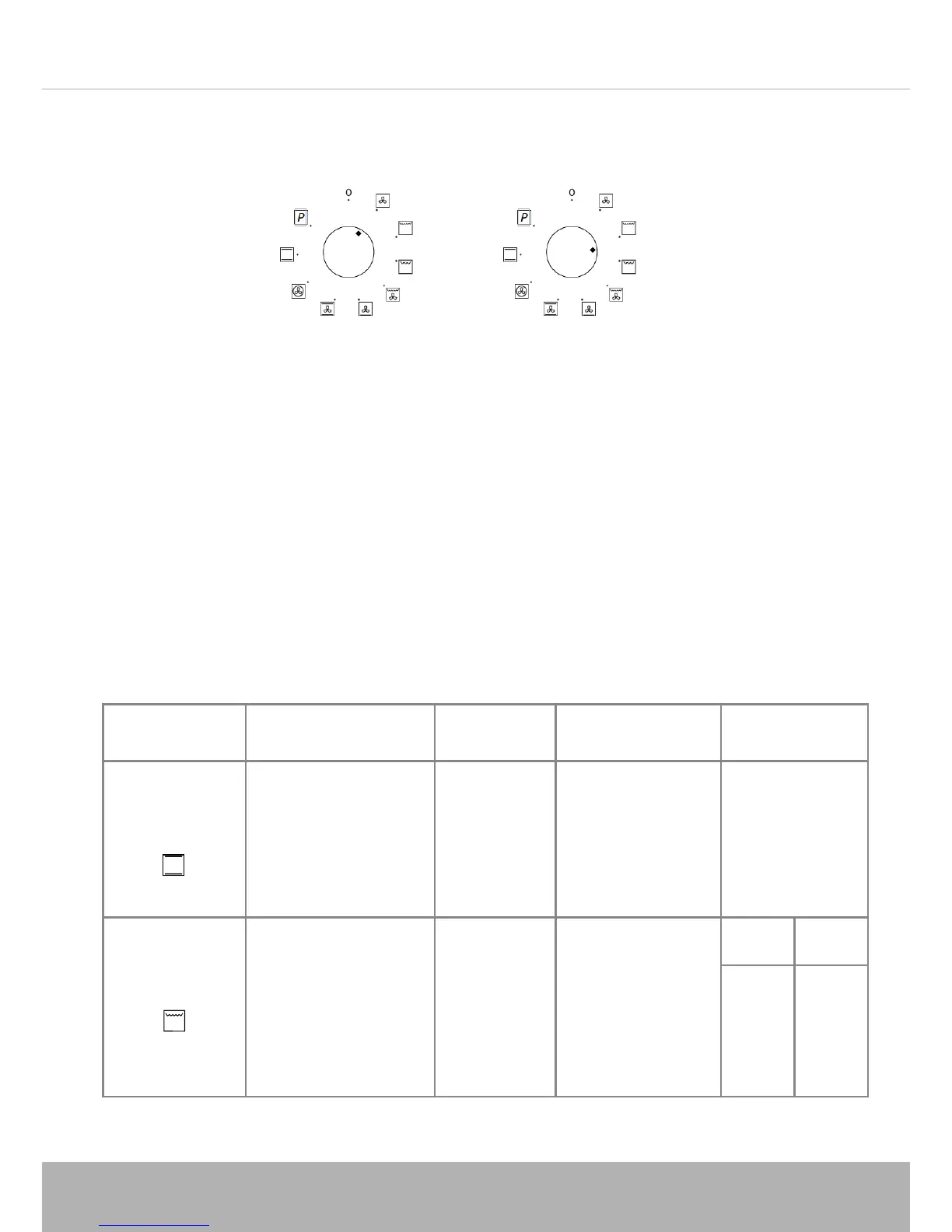
WARNING: When selecting a function, ensure the function control knob is placed
directly in line with the required function, and not inbetween two functions.
COOKING GUIDELINES
Set the function for the type of cooking required.
- Preheat the oven, setting the thermostat to the required temperature by turning
the ‘+/-’ control knob. Once the oven has heated to the selected temperature,
the oven will beep 3 times.
- Remove the drip tray when using the oven for conventional cooking, roasting etc.
The tray should be left in place only when using the grill, as its purpose is to catch
falling droplets of fat. Food should be placed in oven dishes with raised edges and
positioned centrally under the grill.
- If the fan heat operation is selected, different foods can be cooked
simultaneously (e.g. meat and fish), although in this case the respective cooking
time must be observed.
COOKING
FUNCTION
FOOD TYPE SHELF
POSITION
TEMPERATURE
(˚C)
TIME
(mins)
Conventional
cooking
Yorkshire Pudding
Sponge Cake
Small Cakes
Fruit Tart
Scones
Fruit Cake
1
1
2
1
2
1
200
180
190
200
220
140
30-40
25-30
15-20
40-45
10-15
120-180
Grilling
Pork chops (4 pcs)
Steak (4 pcs)
Sausages (6 pcs)
Toast (6 pcs)
5
5
5
5
250
250
250
250
Side 1 Side 2
15
10
9
1
12
8
6
1
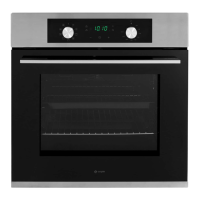
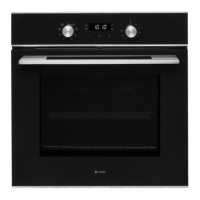
CONTROL PANEL
1. Function control knob
2. Temperature control knob (+/-)
3. Light
4. Timer
5. Boost
6. Display screen
B
OOST
Press the Boost button once a function and temperature have been
selected to activate the rapid preheat boost function. When the oven
reaches the set temperature, the boost function will automatically
turn off. The Boost function is only availabe with the following 3
functions:
P
YROLYTIC CLEANING
When the Pyrolytic cleaning function is selected, the door will lock,
and the oven will reach extremely high temperatures to clean the
inside of the oven.
En
sure all the shelves, trays and side racks are removed before
s
electing this function.
No
te: All functions will start automatically 5 seconds after being
selected.
WAR
NING: When selecting a function, ensure the function control
knob is placed directly in line with the required function, and not
unbetween two functions.
CONTROL PANEL
1. Function control knob
2. Temperature control knob (+/-)
3. Light
4. Timer
5. Boost
6. Display screen
B
OOST
Press the Boost button once a function and temperature have been
selected to activate the rapid preheat boost function. When the oven
reaches the set temperature, the boost function will automatically
turn off. The Boost function is only availabe with the following 3
functions:
P
YROLYTIC CLEANING
When the Pyrolytic cleaning function is selected, the door will lock,
and the oven will reach extremely high temperatures to clean the
inside of the oven.
En
sure all the shelves, trays and side racks are removed before
s
electing this function.
No
te: All functions will start automatically 5 seconds after being
selected.
WAR
NING: When selecting a function, ensure the function control
knob is placed directly in line with the required function, and not
unbetween two functions.



 To Next Page