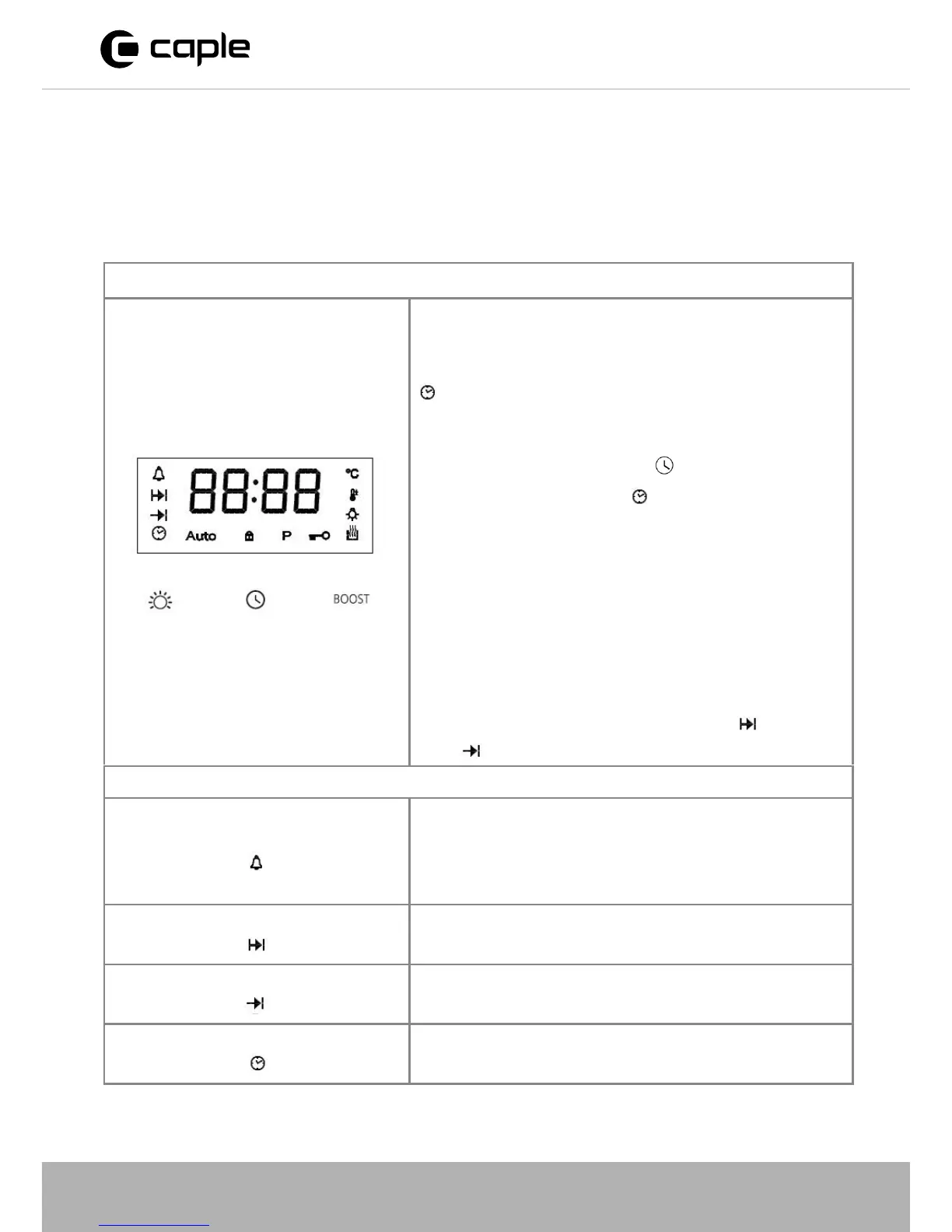
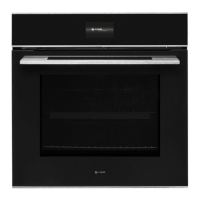
TOUCH CONTROL ELECTRONIC TIMER
Note:
The oven only operates when the time has been set.
When the appliance has been connected to
the electrical supply or when there has
been a power cut, the time indicator
flashes automatically.
To change the time that has already been
set, press the time button
repeatedly,
until the time indicator flashes.
Set the current time using the +/- control knob
After approx. 5 seconds, the flashing stops
and the clock displays the time of day set.
The appliance is now ready to use.
The time can only be changed if neither of
the automatic functions (cook time or end
time ) have been set.
TIMER FUNCTIONS
Countdown
To set a countdown, a signal sounds after the
time has elapsed.
This function do
es not affect the operation of
the oven.
Cook time To set how long the oven is to be in use.
End time To set when the oven is to switch off again.
Time To set, change or check the time.



 To Next Page