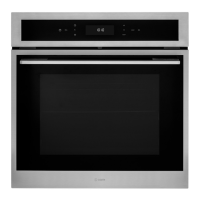
Instruction manual C3371
14
Please keep this instruction manual for future reference
ELECTRICAL CONNECTION
FITTING THE POWER SUPPLY CABLE
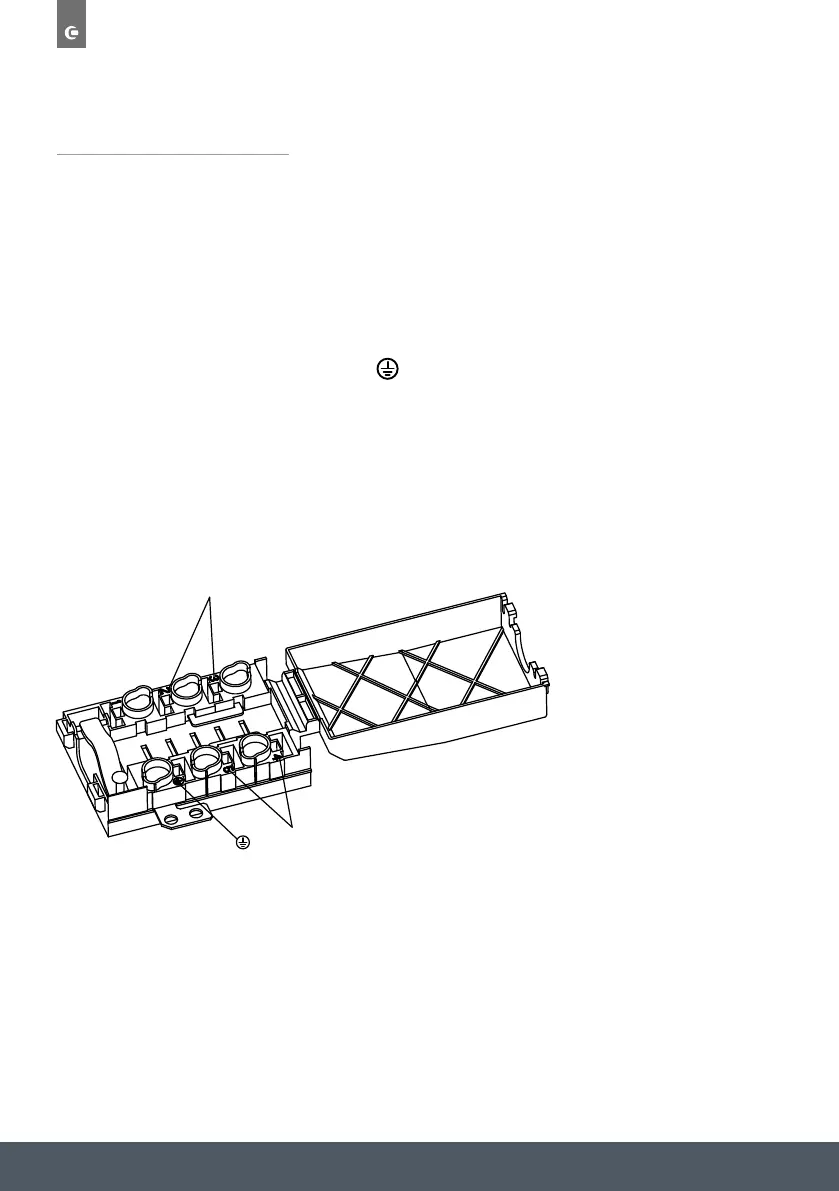
- Open the terminal box by inserting a screwdriver into the side tabs of the cover. Use the
screwdriver as a lever by pushing it down to open the cover
- Install the power supply cable by loosening the cable light screw and the three wire contact
screws. Connect the wires to the corresponding terminals:
the Blue wire to the terminal marked ‘N’,the Brown wire to the terminal marked ‘L’ and the
yellow/green wire to the terminal marked
.
- Secure the cable by fastening the clight screw.
- Close the cover of the terminal box.
- When wiring the terminal box care must be taken to fit and tighten the links on the live (L) and
neutral (N) terminals
L
N


 To Next Page