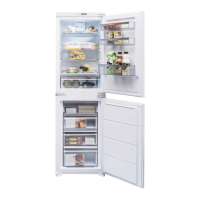
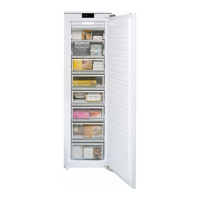
21Instruction manual CAFF42Please keep this instruction manual for future reference
DISPLAY AND CONTROL PANEL
DISPLAY AND CONTROL PANEL
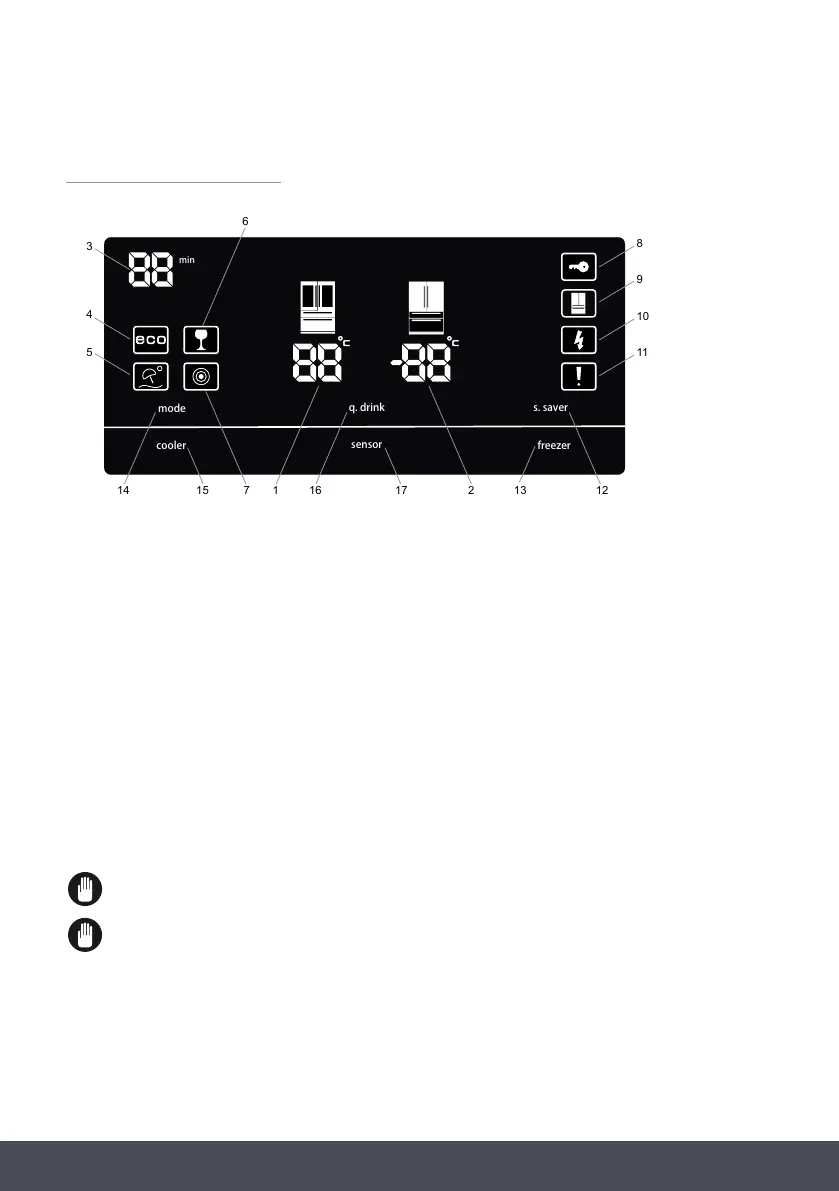
1. Fridge compartment temperature indicator
2. Freezer compartment temperature indicator
3. QDrink alarm timer
4. Economy mode
5. Holiday mode
6. QDrink light
7. Night sensor indicator
8. Child lock
9. Demo mode
10. Low Voltage warning
11. Alarm
12. Screensaver button
13. Freezer button
14. Mode button
15. Cooler button
16. QDrink mode
17. Night sensor button
min
mode
cooler
q. drink
sensor
freezer
s. saver
14 15 7 1 16 1213217
6
3
4
5
8
9
10
11
The values on the screen indicate temperature values specified by the consumer.
The Standby display is protected against faulty contact. Therefore, you must touch any key on
the display before you make an action. After 2 seconds, a beep will sound and the display will
be ready for use. Wait 20 seconds at the end of the process and the display will return to
Standby mode.
1. Fridge compartment temperature indicator
2. Freezer compartment temperature indicator
3. QDrink alarm timer
4. Economy mode
5. Holiday mode
6. QDrink light
7. Night sensor indicator
8. Child lock
9. Demo mode
10. Low Voltage warning
11. Alarm
12. Screensaver button
13. Freezer button
14. Mode button
15. Cooler button
16. QDrink mode
17. Night sensor button
The values on the screen indicate temperature values specified by the consumer.
The Standby display is protected against faulty contact. Therefore, you must touch any
key on the display before you make an action. After 2 seconds, a beep will sound and the
display will be ready for use. Wait 20 seconds at the end of the process and the display
will return to Standby mode.


 To Next Page