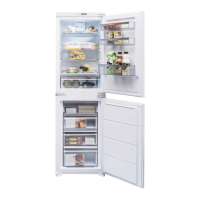
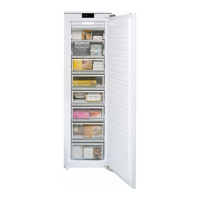
24 Instruction manual CAFF42 Please keep this instruction manual for future reference
SCREENSAVER (SCREEN SAVER)
The screensaver function saves energy by switching the lights on the electronic display panel
off. To activate this function, press and hold the “s.saver” button for 3 seconds. To deactivate
the mode, press the “s.saver” button for 3 seconds.
NIGHT SENSOR
The night sensor function saves energy by switching the lights inside the refrigerator off if there
is sufficient illumination in the room. To activate this function, press the “night sensor” button
for 3 seconds. To deactivate this function, press the “night sensor” button for 3 seconds.
DEMO MODE
This mode is used by service and not related to the use of refrigerator.
ALARM
Once an alarm light illuminates, you should contact Caple service. If you press the
“s.saver” button when there is an alarm and an exclamation mark on the display, the
alarm sound will turn off, however the exclamation mark will stay on the digital indicator
panel until the error is fixed.
DOOR OPEN ALARM
If the fridge door is left open for more than 2 minutes, an audible alarm will sound. Close the
fridge door.
COMPARTMENT ON-OFF MODE
It is possible to switch off whole compartments that may not be used or are not needed.
To switch off the cooler, press and hold the [mode] and [cooler] buttons simultaneously for 5
seconds, and all figures indicating the part turned off will disappear on the digital
indicator panel.
In order to reactivate the turned-off compartment, use the same combination of buttons.


 To Next Page