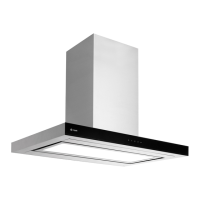
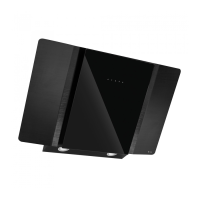
Instruction manual COR541SL12
Please keep this instruction manual for future reference
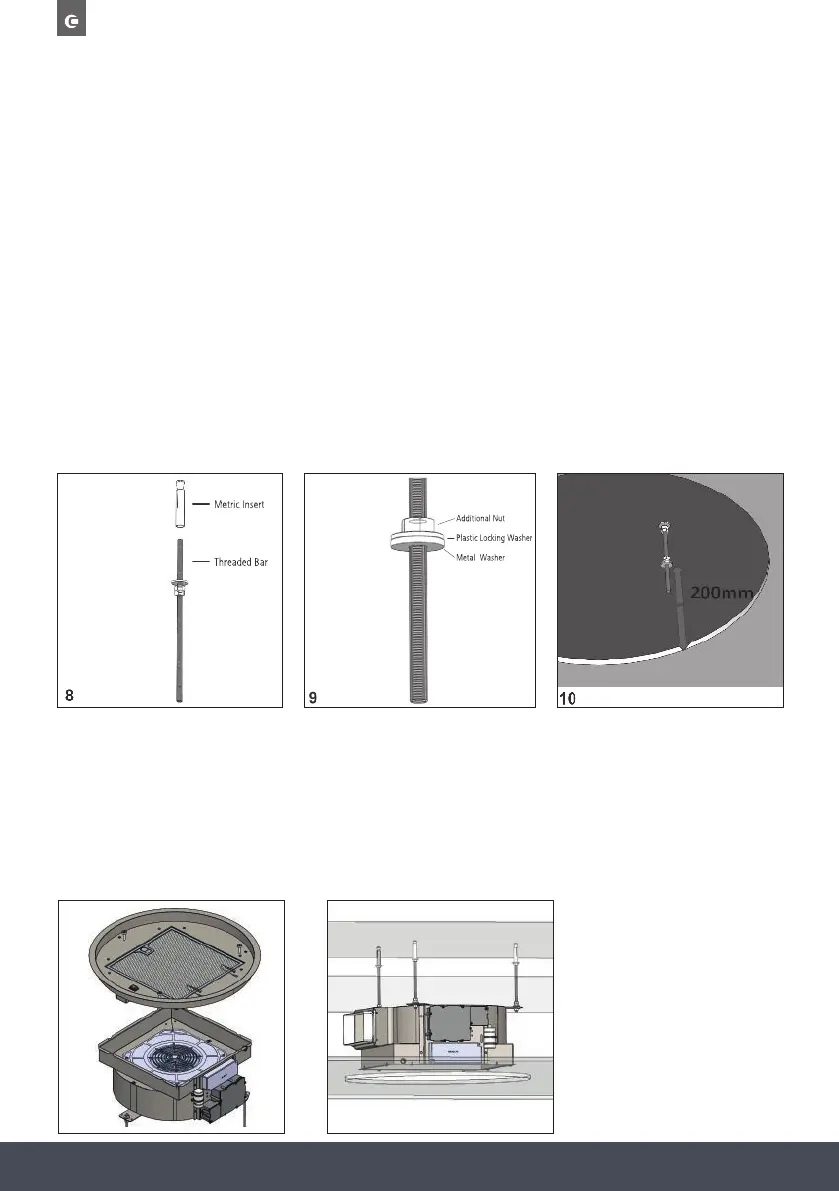
Place the metric inserts supplied into the holes.
Place the threaded bars into the metric inserts.
Screw the threaded bars using a metal washer and two nuts, as shown in fig. 8.
Insert an additional nut, a metal washer and a plastic locking washer as shown in figure 9. For
correct installation, position the metal washer 200mm high from the bottom surface
of the plasterboard, see figure 10.
Remove the product from its packaging and place it on a suitable surface: we suggest using a soft
material, such as a cloth.
Open the panel as shown in Fig. 1 and described in the previous paragraph, remove the grease
filter using the handle.
Using a suitable tool, remove the eight screws securing the outer frame and then remove it as
shown in Fig. 11.
Disconnect the flat cable and the electrical cable of the reset button.
Install the upper part of the product in the plasterboard niche. The three slots must coincide with
the threaded rods previously installed, as shown in fig. 12.
11. 12.



 To Next Page