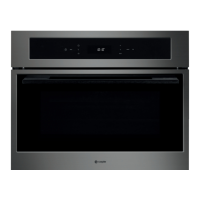
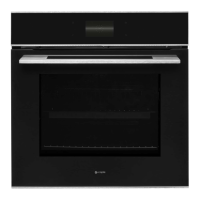
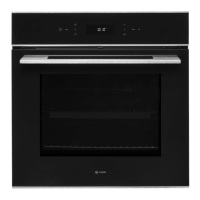
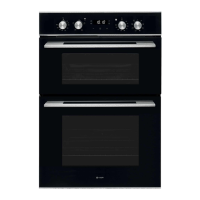
Instruction manual SO111, SO111SS, SO111GM22
Please keep this instruction manual for future reference
10. DESCALING FUNCTION. Take out the water tank by pressing pour in descaler
and add water until it is half full. Put the water tank back in place and close the door. Press
the Programme button until the descaling function appears and press select to confirm.
This symbol will also show in the display screen once the programme has started. When the
symbol shows and alarm sounds, take out the water tank, and pour in water again until
it is half full. Reinsert water tank, close door and press to start the second part of the
cleaning. Repeat this process for a third time, and then the descaling process is complete.
Descaler kits can be purchased directly at www.caple.co.uk.
10. Descaling function
Take out the water tank, pour in the descaling pack and add water until it is half
full. Put the water tank back in place and close the door. Press the Programme
button until the descaling function appears and press select to confirm. This
symbol will also show in the display screen once the programme has started.
When the symbol shows and alarm sounds, take out the water tank, and pour
in water again until it half full. re insert water tank, close door and press the
to start the second part of the cleaning. Repeat this process for a third time, and
then the descaling process is complete.
2
Operation
1. Power button . To turn on/off the display panel. When turned on, the time of day will be shown.
2. Programme button . Press to shift between functions. When you shift to a new function, the
current function will stop and the cooking time must be reset. The Function list is as per the below order:
3. Start/Pause button . Once the required function has been selected, press to start cooking.
Once cooking has started the display will show the current oven temperature. For example;
when the oven is paused, the display will show the current time. For example;


 To Next Page